Fiber Internet for Business: Speed, Pricing & Providers (2026)
Have questions? Give us a call.
Fiber internet is no longer a luxury for businesses. It’s becoming the backbone of professional operations in 2026, especially for teams that rely on video conferencing, cloud storage, and real-time collaboration.
If you’re tired of slow uploads killing your productivity or watching your internet lag during important client calls, fiber might be exactly what your business needs. This guide breaks down what fiber internet actually is, how it compares to other options, what you’ll pay, and how to figure out if it’s right for your company.
Related: Internet Providers Near Me: Compare & Find the Best Local Options
Related: Compare Internet Providers by Speed, Price & Availability
What Is Fiber Internet and Why Does It Matter for Business?
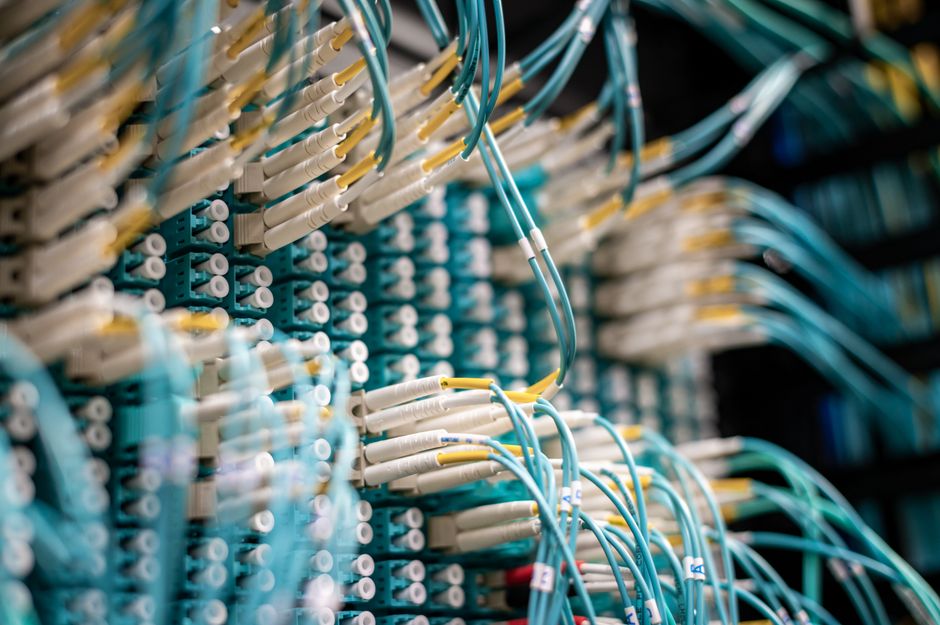
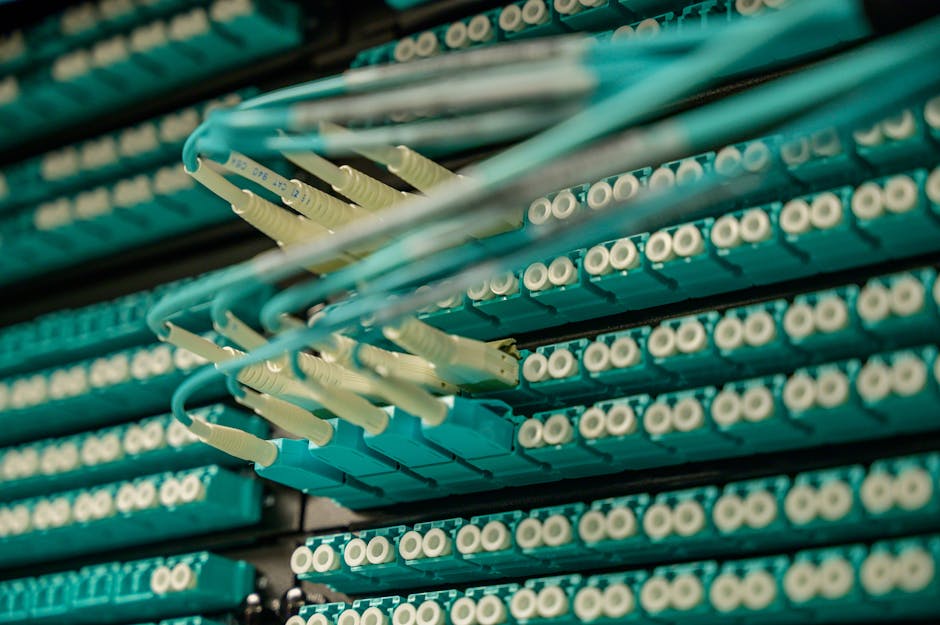
Fiber internet uses fiber optic cables (thin strands of glass that transmit data as light) to deliver internet to your location. This is fundamentally different from older cable or DSL technology.
Here’s the real difference: fiber gives you symmetrical speeds. That means your upload speed matches your download speed. If you’re downloading at 1 Gbps, you’re also uploading at 1 Gbps. With cable internet, uploads are often 10-20 times slower than downloads.
For businesses, this matters because:
- Video conferencing doesn’t lag when multiple team members upload simultaneously
- Cloud backups happen in minutes, not hours
- File transfers between offices or with clients happen instantly
- Your entire team can work smoothly without internet bottlenecks
Fiber also comes with unlimited data on virtually every plan, and speeds typically range from 300 Mbps up to 5 Gbps in select areas. Plus, fiber networks are generally more stable and reliable than older broadband technologies, which means fewer service interruptions during your workday.
Fiber Internet Pricing for Small and Medium Businesses
Pricing varies based on location and provider, but here’s what you can typically expect in 2026:
Related: Best Business Internet 2026: Top 5 Providers Ranked
Related: Best Home Internet 2026: Top 6 Providers Ranked & Compared
Related: Best Dedicated Internet Access 2026: Top 5 Providers Ranked
- Entry-level fiber: 300-500 Mbps plans start around $20-$50 per month (often with promotional rates)
- Mid-tier plans: 1 Gbps (1,000 Mbps) ranges from $70-$100 per month
- High-speed plans: 3-5 Gbps plans run $100-$200+ per month
Most plans include installation, a Wi-Fi router, and mesh-ready equipment at no extra cost. Many providers also offer equipment rental options if you don’t want to buy upfront.
Keep in mind: promotional rates are common for the first 12 months. After that, prices typically increase, so always ask about the rate after your promotion ends. Contract terms vary too—some providers offer month-to-month flexibility, while others lock you in for 12-24 months.
Top Fiber Internet Providers for Businesses
Not all fiber providers are available everywhere, and not all are created equal for business use. Here’s what stands out in the market right now:
AT&T Business Fiber is often the best choice if symmetrical speeds are your priority. They offer up to 5 Gbps in select areas, and their business plans come with dedicated support and flexible contract options.
Optimum Business is built specifically for small and medium-sized companies. They have competitive pricing, local support in their coverage areas, and solid reliability scores.
Spectrum Business wins for flexibility. If you don’t want to sign a long-term contract, Spectrum offers month-to-month plans without locking you in. Their pricing is transparent, and they serve a huge portion of the country.
Comcast Business is your best bet if you need enterprise-scale services. They offer redundancy options, static IP addresses, and technical support tailored for larger operations.
T-Mobile Home Internet and Viasat Business are worth exploring if fiber isn’t available in your area. They’re not fiber, but they can deliver competitive speeds for businesses in underserved locations.
Check Internet Availability & Pricing
Enter your details below to see all high-speed fiber, cable, and 5G internet providers available in your neighborhood.
To see which providers actually service your business location and compare their exact pricing and speeds, myneighborhoodwifi.com can show you all available options without the sales pitch. We help businesses compare apples to apples so you’re not guessing.
Ready for faster internet?
Is Your Business Actually Suited for Fiber Internet?
Fiber is fantastic, but it’s not the right choice for every business situation. Ask yourself these questions:
- Do you upload large files regularly? (Video editors, photographers, architects, designers—yes. Dentist offices—probably not.)
- Do multiple team members video conference at the same time?
- Does your business depend on cloud-based tools and software?
- Is your current internet slow or unreliable during peak hours?
- Do you have backup internet, or would a connection failure hurt your business?
If you answered yes to 2 or more of these, fiber is likely worth the investment. If you’re still unsure, a broker like myneighborhoodwifi.com can walk you through your specific needs and help you compare whether fiber, cable, or another option is actually the best fit financially and operationally.
Fiber Internet Speed Comparison Chart
Here’s a quick look at how fiber stacks up for common business tasks:
Related: High Speed Internet for Business: How to Compare & Choose
- Downloading a 1 GB file: 100 Mbps takes ~80 seconds. 1 Gbps takes 8 seconds. 5 Gbps takes 1.6 seconds.
- Uploading a 10 GB video to the cloud: 50 Mbps upload (typical cable): ~27 minutes. 1 Gbps fiber: 80 seconds.
- Video conferencing (4K, multiple participants): Needs 25-50 Mbps. Fiber handles it effortlessly while others work.
- Cloud backup of 100 GB: 50 Mbps: ~4.4 hours. 1 Gbps: 13 minutes.
Speed alone isn’t everything, though. Reliability, consistent latency (lag), and customer support matter just as much. That’s why comparing total value—not just Mbps and price—is crucial.
How to Get Fiber Internet for Your Business
The process is straightforward, but there are a few steps to follow:
Step 1: Check availability. Enter your business address online to see which fiber providers service your location. Some areas have multiple fiber options, others have one or none.
Step 2: Compare plans and pricing. Look at speeds offered, contract terms, equipment included, and customer service ratings. Don’t just pick the cheapest option—look at what you’re actually getting.
Step 3: Ask about bundling. Many providers offer discounts if you bundle internet with phone or other services. But make sure the bundle actually saves money before committing.
Step 4: Understand the contract. Read what happens after your promotional period ends, what the early termination fee is, and what speeds are guaranteed. Some providers guarantee minimum speeds in writing; others don’t.
Step 5: Schedule installation. Once you pick a provider, installation typically happens within 7-14 days. Some providers offer expedited installation for a fee.
If you want professional guidance on this whole process—someone to make sure you’re not overpaying and that the plan actually fits your business—that’s exactly what myneighborhoodwifi.com does. We compare all available providers at your location, negotiate pricing, and coordinate installation so you don’t have to spend hours on research.
Fiber vs. Cable vs. DSL for Business Internet
Since you’re considering fiber, here’s how it stacks up against the alternatives:
Fiber (symmetrical speeds, unlimited data, most reliable): Best for businesses that upload or video conference. Most expensive upfront, but speeds are future-proof and consistent.
Cable (fast downloads, slower uploads, data caps possible): Good for small businesses with moderate needs. Cheaper than fiber, but uploads are slow. Speeds can degrade during peak hours if many customers share the line.
DSL (reliable, slower speeds, older technology): Cheapest option, but speeds are typically too slow for modern business. Uploads are especially weak. Only consider if fiber and cable aren’t available.
For most businesses in 2026, fiber is the long-term play. Speeds won’t become obsolete, symmetrical uploads save real time, and reliability is higher. The price premium is usually worth it within 12-24 months.
Common Fiber Internet Questions for Businesses
Does fiber internet have data caps?
No. Fiber plans come with unlimited data across virtually every provider and plan. You can download, upload, stream, and backup without worrying about hitting a limit or paying overage fees. This is one of the biggest advantages over cable internet.
How long does fiber installation take?
Typically 7-14 days from order to activation. If fiber infrastructure already reaches your building (common in urban and suburban areas), installation is faster. If the provider needs to run fiber to your location for the first time, it can take longer. Some providers offer expedited installation for a fee. Always ask about timeline before signing up.
What upload speeds can I expect with fiber?
Most business fiber plans offer symmetrical speeds, meaning upload equals download. A 1 Gbps plan gives you 1 Gbps download and 1 Gbps upload. This is the opposite of cable, where uploads are often 10-20 times slower. According to FCC broadband standards, upload speeds are critical for modern business productivity.
Is fiber internet reliable for mission-critical business operations?
Fiber is generally more reliable than cable or DSL because it’s not affected by electrical interference and doesn’t degrade as easily over distance. However, “reliable” is relative and varies by provider and location. Ask potential providers about their uptime guarantee and what happens if service goes down. Some business plans include redundancy options (a backup connection) if you truly cannot afford downtime. If your business depends on constant internet access, invest in a secondary connection as backup, regardless of which primary provider you choose.
Ready for faster internet?
Have questions? Give us a call.

Written by Sam jaffer
Content writer and tech enthusiast sharing insights on internet connectivity.