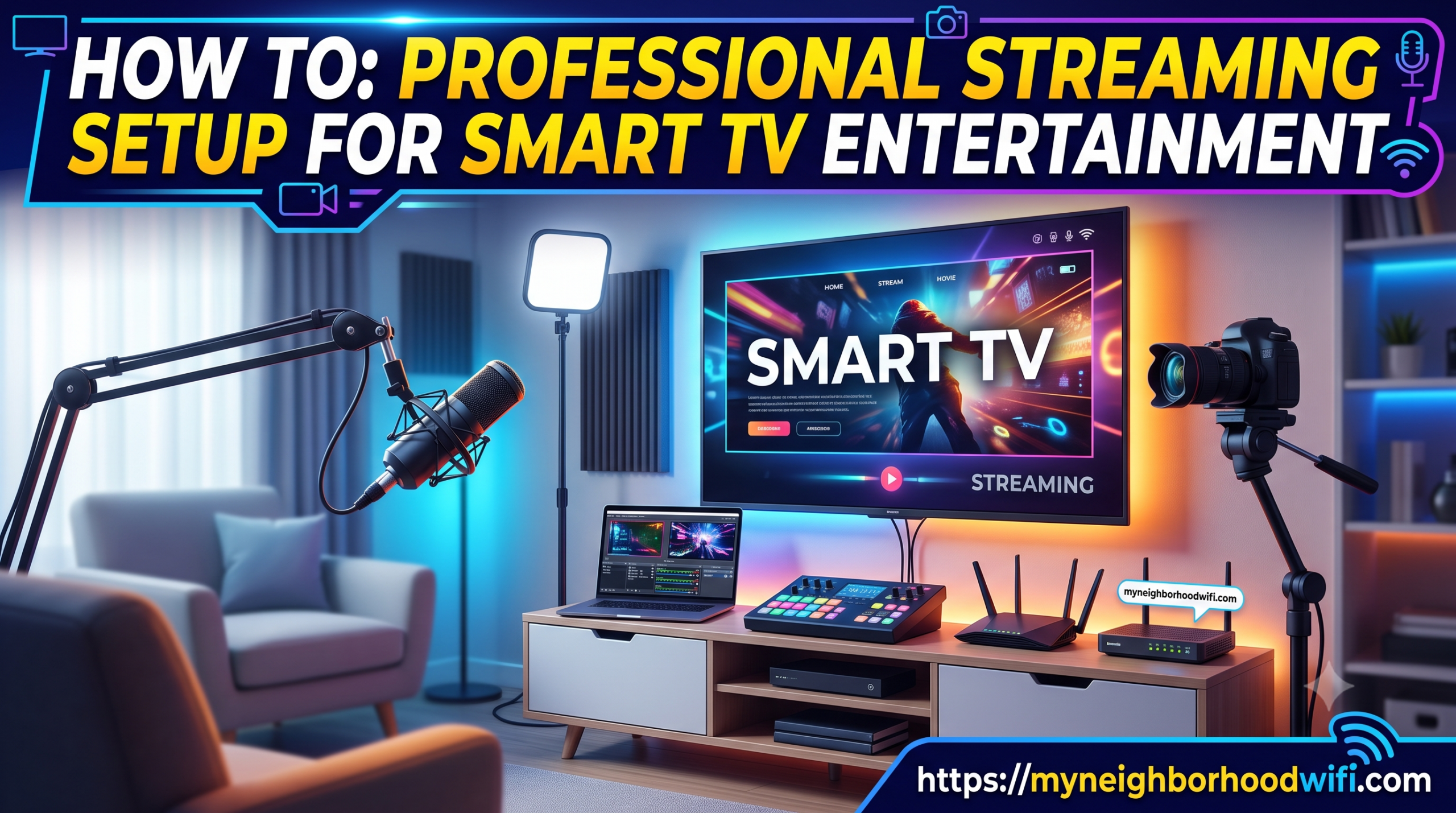
Smart TVs have changed the way people enjoy entertainment at home. Instead of depending only on cable channels, you can now stream movies, shows, sports, documentaries, music, live TV, and online videos directly on your screen. But to enjoy smooth and high-quality entertainment, you need more than just a smart TV. A professional streaming setup can make your viewing experience faster, clearer, and more enjoyable.
A good streaming setup helps reduce buffering, improve picture quality, support better sound, and make it easier to access your favourite apps. Whether you watch Netflix, YouTube, Prime Video, Disney+, Hulu, live sports, or IPTV services, the right setup can make a big difference.
Why a Professional Streaming Setup Matters
Many people buy a smart TV and expect everything to work perfectly straight away. While smart TVs are built for streaming, the final experience depends on several things, including internet speed, WiFi strength, app performance, device settings, and home network quality.
If your internet connection is weak or your TV is far from the router, you may face slow loading, poor video quality, freezing screens, or repeated buffering. A professional streaming setup helps solve these issues by creating a stronger and more stable connection for your entertainment system.
It also helps you get the best out of your TV. If you have a 4K or HDR smart TV, you need the right internet speed, correct display settings, and compatible streaming apps to enjoy sharp visuals and rich colours.
Start with a Reliable Internet Connection
The most important part of any smart TV streaming setup is a reliable internet connection. Streaming uses a lot of data, especially when watching HD, 4K, or live content. If your internet speed is too slow, your video may pause, drop in quality, or take longer to load.
For basic HD streaming, a moderate connection may be enough. But for 4K streaming, multiple devices, gaming, video calls, and smart home use, a faster and more stable internet plan is better. Homes with several users should choose an internet service that can handle multiple devices at the same time.
A strong internet connection helps keep your smart TV entertainment smooth, whether you are watching a movie, live match, family show, or online event.
Improve WiFi Coverage Around Your TV
Even if your internet plan is fast, weak WiFi can still affect streaming quality. If your smart TV is far from the router or there are walls between the TV and router, the signal may not be strong enough.
To improve WiFi coverage, place your router in a central location and avoid hiding it behind furniture or inside cabinets. Keep it away from thick walls, metal objects, and other electronics that may interfere with the signal.
For larger homes, a WiFi extender or mesh WiFi system can help spread the connection more evenly. This gives your smart TV a stronger signal and reduces buffering during streaming.
Use a Wired Connection for Better Stability
For the best streaming performance, an Ethernet cable can be a smart choice. A wired connection is usually more stable than WiFi because it connects your smart TV directly to the router.
This is useful for people who stream 4K content, watch live sports, use IPTV, or want fewer interruptions. While WiFi is convenient, Ethernet can offer better reliability, lower delay, and smoother playback.
If your TV and router are close enough, connecting them with a cable can be one of the easiest ways to improve your professional streaming setup.
Check Internet Availability & Pricing
Enter your details below to see all high-speed fiber, cable, and 5G internet providers available in your neighborhood.
Choose the Right Streaming Apps and Devices
Most smart TVs come with built-in apps, but not all apps work equally well on every TV. Some older smart TVs may become slow over time or may not support the latest app updates.
If your TV apps are slow, you can use an external streaming device such as a streaming stick, Android TV box, Apple TV, Roku, or Fire TV device. These devices can improve app speed, provide better updates, and make it easier to access different streaming platforms.
Make sure your apps are updated regularly. Updated apps often perform better and may include security improvements, bug fixes, and new features.
Adjust Your Smart TV Settings
A professional streaming setup is not only about internet speed. Your TV settings also matter. Many smart TVs have picture modes such as Standard, Cinema, Movie, Sports, or Game Mode. Choosing the right mode can improve your viewing experience.
For movies and shows, Cinema or Movie Mode often gives a more natural picture. For sports, a brighter setting may help. For gaming, Game Mode can reduce input delay.
You should also check sound settings. If your TV speakers are not strong enough, a soundbar or home theatre system can create a better entertainment experience with clearer dialogue and deeper sound.
Keep Your Streaming Setup Organised
A clean and organised setup improves both performance and appearance. Use proper cable management to avoid messy wires around your TV area. Keep your router, streaming devices, and TV accessories in well-ventilated spaces so they do not overheat.
Also, remove apps you do not use. Too many unused apps can make some smart TVs feel slow. Restart your TV and router occasionally to refresh the connection and improve performance.
Protect Your Home Network
A good streaming setup should also be secure. Use a strong WiFi password and avoid sharing your network with too many unknown devices. Too many connected devices can slow down your internet and affect streaming quality.
You can also create a separate guest network for visitors. This helps protect your main home network and keeps your smart TV, phones, laptops, and smart devices more secure.
Final Thoughts
A professional streaming setup for smart TV entertainment can turn a simple viewing experience into a smoother, clearer, and more enjoyable one. With reliable internet, strong WiFi coverage, updated apps, proper TV settings, and a stable connection, you can enjoy your favourite content with fewer interruptions.
Whether you love movies, sports, live TV, gaming, or family shows, the right setup helps your smart TV perform at its best. By improving your internet connection, organising your devices, and choosing the right streaming tools, you can create a home entertainment experience that feels simple, modern, and reliable.
FAQs
1. What internet speed is best for smart TV streaming?
For smooth HD streaming, a stable internet connection is usually enough. For 4K streaming, live sports, gaming, or multiple devices, a faster plan is better to reduce buffering and loading issues.
2. Is WiFi good enough for smart TV streaming?
WiFi can work well if the signal is strong and your TV is close enough to the router. If you face buffering or weak signals, a wired Ethernet connection may give better stability.
3. Why does my smart TV keep buffering?
Buffering can happen because of slow internet speed, weak WiFi coverage, too many connected devices, outdated apps, or poor router placement. Improving your network setup can help fix the issue.
4. Do I need a streaming device if I already have a smart TV?
Not always. If your smart TV apps work smoothly, you may not need one. However, a streaming device can help if your TV is slow, apps are outdated, or you want access to more streaming platforms.
5. How can I improve my smart TV streaming quality?
You can improve streaming quality by using reliable internet, placing your router in a better location, updating apps, using Ethernet where possible, and adjusting your TV picture and sound settings.

Written by Sam jaffer
Content writer and tech enthusiast sharing insights on internet connectivity.