How Weather Impacts Your Internet Speed
When you think about “how weather impacts your internet speed,” the first thing that probably pops into your mind is a mild slowdown or maybe an annoying buffering icon. But the reality is far more interesting—and thankfully not always gloomy. In this post, you’ll learn what’s really going on, why it matters, and what you can do to stay connected when the weather shifts.
How Weather Impacts Your Internet Speed: The Big Picture
Not all internet connections are created equal, and neither are weather conditions. Let’s break it down depending on the kind of connection you have:
1. Wired Connections (Cable, DSL, Fiber)
Wired internet—like cable, DSL, or fiber—tends to be the most resilient against weather issues. Since the signal travels through physical cables buried underground or strung above on poles, it’s largely shielded from rain, wind, and sun.
But don’t be fooled. Harsh weather can still cause:
- Water seepage into underground cables or junction boxes
- Pole damage from ice, heavy snow, or fallen branches
- Severe temperature extremes affecting equipment electronics
When those parts go bad or get damaged, you can see lags, intermittent connectivity, or a full outage.
2. Satellite Internet
Satellite-based internet is especially sensitive to weather. Rain, snow, and even thick clouds can block or disrupt the signal between your dish and the satellite hovering overhead.
During a heavy rainstorm or snow shower, latency can spike and throughput can drop significantly, leading to buffering, slowdowns, or disconnects.
3. Fixed Wireless and 5G
Fixed wireless and 5G internet use radio signals, so they’re quite vulnerable to physical obstructions and atmospheric conditions:
- Rain or snowfall can absorb or scatter these signals
- Fog and thick clouds can reduce performance
- High winds or tree branches can disrupt line-of-sight
You may notice slower speeds, higher ping times, or intermittent dropouts.
Why Does Weather Affect Some Connections More Than Others?
It all comes down to how the signal travels—and what gets in its way. Let’s unpack the main reasons:
Signal Obstruction and Attenuation
Rain and snow literally get in the signal path, absorbing or scattering the data before it reaches its destination. This is especially impactful for satellite and wireless connections.
Physical Damage
Wired infrastructure is generally more resilient—but not invincible. Water infiltration or ferocious winds can damage cables, connections, or equipment, leading to drops in performance or disconnections.
Equipment Sensitivity
Temperature swings and moisture can impair sensitive electronics inside routers, modems, or external devices. Over time, this wear and tear can impact speed and reliability.
Real Examples of Weather Affects
Let’s look at a few real-life scenarios:
Summer Thunderstorm and Satellite Internet
During a heavy downpour, a family using satellite internet might experience severe buffering during video calls or streaming. Latency can jump from 600 ms to well over 800 ms—making real-time applications nearly unusable.
Winter Ice Storm on Fixed Wireless
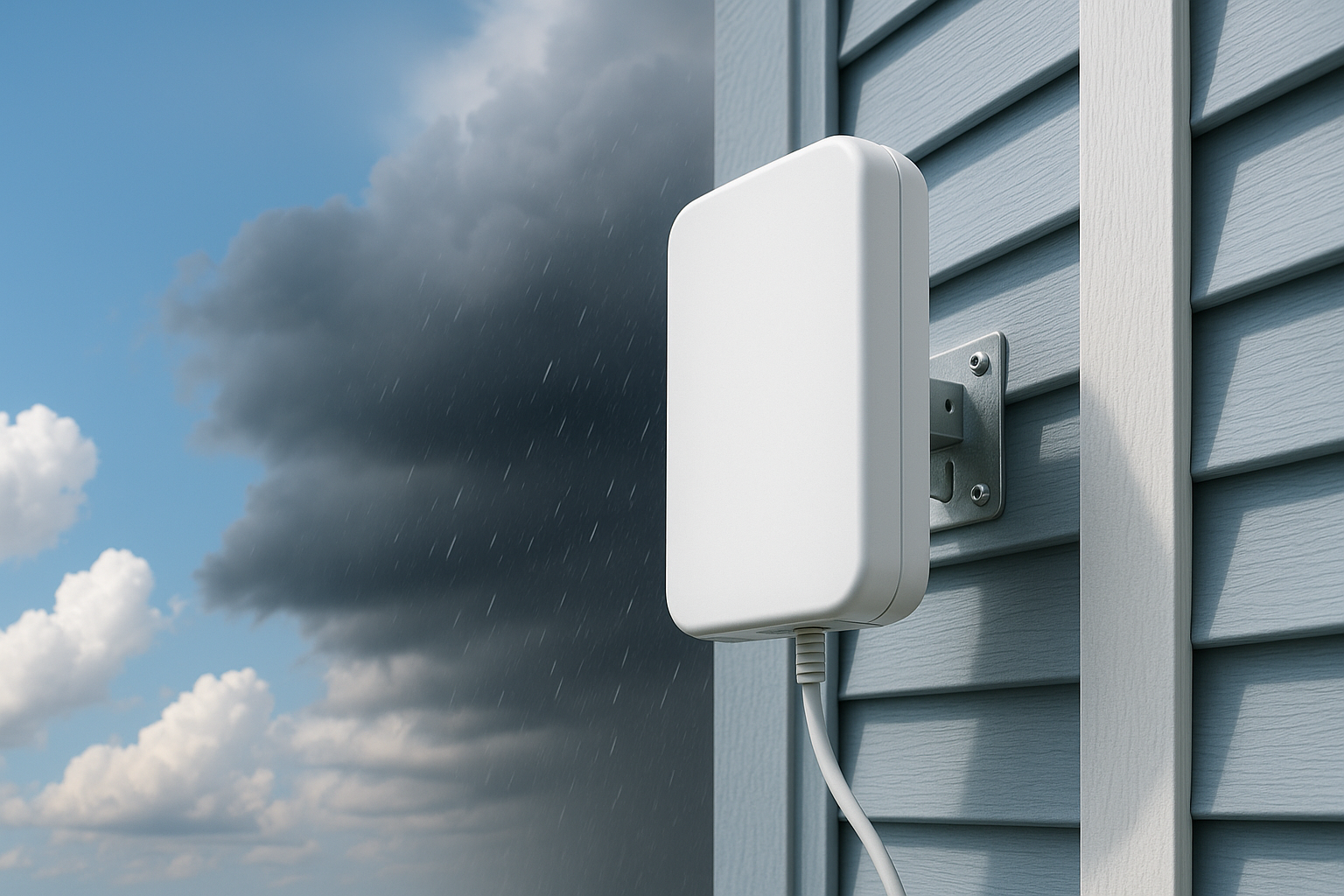
Ice buildup on antennas disrupts line-of-sight and weakens signal strength. This can cause speed drops from hundreds of Mbps to mere tens—or total loss during the worst of it.
Heatwave Degrading Wired Gear
Extreme heat can overheat your modem or router, throttling performance. Fans or ventilation can help, but internal component strain is still risky and can reduce throughput.
Quick Tips to Mitigate Weather-Related Slowdowns
- Ensure proper cable sealing: Seal or weather-proof outdoor cable connections with silicone or weather-rated connectors.
- Clear line-of-sight regularly: Trim trees that block fixed wireless or satellite paths.
- Think ahead for storms: If snow or ice is expected, mount antennas in protected locations such as under eaves or inside heated enclosures.
- Use surge protection: Keep your modem/router safe from power fluctuations—especially important during electrical storms.
- Keep your gear cool: Outdoor hubs can be protected with shade, fan systems, or cooling enclosures.
- Backup power options: A UPS (uninterruptible power supply) ensures your modem/router stays online even during brief power blips.
MyNeighborhoodWiFi.com Perspective
At MyNeighborhoodWiFi.com, we want your internet to stay reliable and fast—rain or shine. That’s why we offer friendly how-to guides, local support tips, and community advice to help you:
- Understand how weather interacts with your connection type
- Keep your gear safe and functioning in extreme conditions
- Work with installers or neighbors to ensure clear signal paths
We believe understanding your internet’s vulnerabilities empowers you to take small steps that make a big difference when the sky opens up—or freezes over.
Further Reading and Community Insights
- Check out experiences and tips from users on our Reddit HomeNetworking discussion board
- Find a crowd-sourced breakdown of geographic signal issues on Quora—just search for your connection type plus “weather issues”
- Watch helpful tutorials and visuals on antenna maintenance during inclement weather on YouTube
Why Knowing “How Weather Impacts Your Internet Speed” Matters
Here’s why being aware of the weather-related factors and taking proactive steps matters:
- Prevents frustration: Buffering, slow uploads, or dropped video calls during storms can derail work, study, or leisure—knowing what to expect helps you plan ahead.
- Helps with maintenance: Early intervention for rust or water damage can preserve long-term performance and avoid costly repairs.
- Improves reliability: Even small improvements—like better shielding or elevated antennas—can keep you connected when others go offline.
- Boosts your confidence: Armed with knowledge and tips, you’ll feel empowered to handle weather-related challenges with calm and clarity.
Sample Sign-Off
We hope this guide gave you a clear, friendly look at how weather can impact your internet speed—and, more importantly, what you can do about it. When skies turn gray (or sprinkled with snow), you’ll have practical strategies to keep streaming, working, or gaming going strong.
Let “How Weather Impacts Your Internet Speed” be your go-to guide when your connection gets finicky—rain or shine, you’ve got this.
“Most inquiries are answered within the same day”

Written by Sam jaffer
Content writer and tech enthusiast sharing insights on internet connectivity.