Best Internet Plans for YouTube Creators to Upload Faster and Smarter
Best Internet Plans for YouTube Creators to Upload Faster and Smarter
If you’re a YouTube creator, your internet connection isn’t just about streaming Netflix or scrolling social media—it’s your lifeline. Finding the best internet plans for YouTube creators means making sure your upload speed, reliability, and stability keep your content flowing smoothly to your audience. A slow connection can delay uploads, ruin livestreams, and even hurt your growth. That’s why investing in the right plan is one of the smartest moves you can make as a content creator.
Why Upload Speed Matters More Than Download Speed
Most home internet users care about download speed—how quickly you can stream or download movies. But as a YouTube creator, upload speed is your true superpower. This is the metric that determines how fast your high-resolution videos hit YouTube’s servers. If your videos take hours to finish uploading, you’re losing creative time and possibly missing your publishing schedule.
Common Upload Speed Tiers for Creators
- 5–10 Mbps: Suitable if you’re uploading short videos under 1080p, but still slow for consistent posting schedules.
- 20–50 Mbps: A comfortable range for most creators uploading in 1080p or even light 4K content.
- 100+ Mbps: Ideal for heavy workloads, livestreams, and consistent 4K or 8K uploads without bogging down your household.
Think of upload speed like the size of the highway lane carrying your content to your viewers. The wider, the faster you get there.
Stability is Just as Important as Speed
A blazing-fast connection isn’t helpful if it drops every 20 minutes. For creators who upload regularly or stream live, connection stability determines whether your content reaches your audience smoothly. A laggy livestream can frustrate your viewers and lower engagement. That’s why upload consistency often beats out maximum speed.
Factors to Look For in an Internet Plan
1. Upload Speed
The higher your upload speed, the better. Aim for at least 20 Mbps upload minimum if you post weekly videos longer than 10 minutes.
2. Latency and Ping
Latency affects livestreaming. Even if you have strong upload speeds, high latency can introduce lags during streams and video calls. Lower is better.
3. Data Caps
Some internet providers apply monthly data limits. Uploading multiple 4K videos can eat through terabytes in days. Look for uncapped or generous data tiers.
4. Contract Flexibility
Plans with no long-term contracts are safer for creators who may need to upgrade quickly as their workflow changes.
Best Setups for YouTube Creators
YouTube creators often work in different environments, so the “best” plan depends on your situation. Let’s compare typical setups:
| Creator Type | Recommended Upload Speed | Ideal Plan Features |
|---|---|---|
| Beginner (Short 1080p Videos) | 10–20 Mbps | Affordable, no/low data caps, stable connection |
| Intermediate (Regular 4K Uploads) | 50–100 Mbps | Higher upload tiers, no contract limits, low latency |
| Advanced (Livestream + Large Projects) | 100+ Mbps | Fiber, uncapped data, multi-device support, Pro equipment |
Livestreaming vs. Video Uploading: Different Demands
Uploading
When you’re uploading a finished video, your primary concern is throughput—the raw speed of moving large files. Even if it takes 30 minutes, it’s less damaging than an unstable livestream.
Livestreaming
Livestreaming demands stability and low latency. Even a 5-second delay can disrupt interactions with your fans. For this, consistency is often more impactful than headline upload speed numbers.
How to Maximize Performance on Your Current Plan
Even if you’re not ready to switch providers or upgrade your plan, you can still optimize your connection for content creation:
- Use wired Ethernet: Wi-Fi is convenient, but Ethernet ensures maximum stability.
- Upload during off-peak hours: Fewer people online means faster uploads.
- Segment your files: Compress or split large files if your provider is throttling speeds.
- Keep backups offline: Store your raw footage locally to avoid relying on cloud services for everything.
Choosing Between Fiber, Cable, and Mobile Internet
Let’s break down the common connection types for creators:
- Fiber: Offers symmetrical speeds (download = upload), making it the gold standard for YouTubers. Perfect for high-resolution uploads and streaming.
- Cable: Solid performance for most creators, though upload speed usually lags behind download speed.
- Fixed Wireless & Mobile 5G: Growing option for rural creators. Suitable if fiber or cable is unavailable, but stability can vary depending on your location.
Community Insights from Real Creators
On platforms like Reddit’s r/youtubers, many creators share stories of upgrading internet plans as their channels grew. A common theme is that slow upload speeds were acceptable early on, but once they started posting multiple 4K videos per week, faster plans became non-negotiable.
Recommended Equipment to Pair With Your Plan
Your internet plan isn’t working in isolation. The hardware you use can make or break your performance:
- Router: Make sure you’re using a modern router that can handle heavy upload loads without crashing.
- Ethernet Cables: Use Cat6 or higher ethernet for direct connections.
- Backup Connection: Many creators keep a secondary mobile hotspot for emergencies.
How to Test If Your Current Plan is Enough
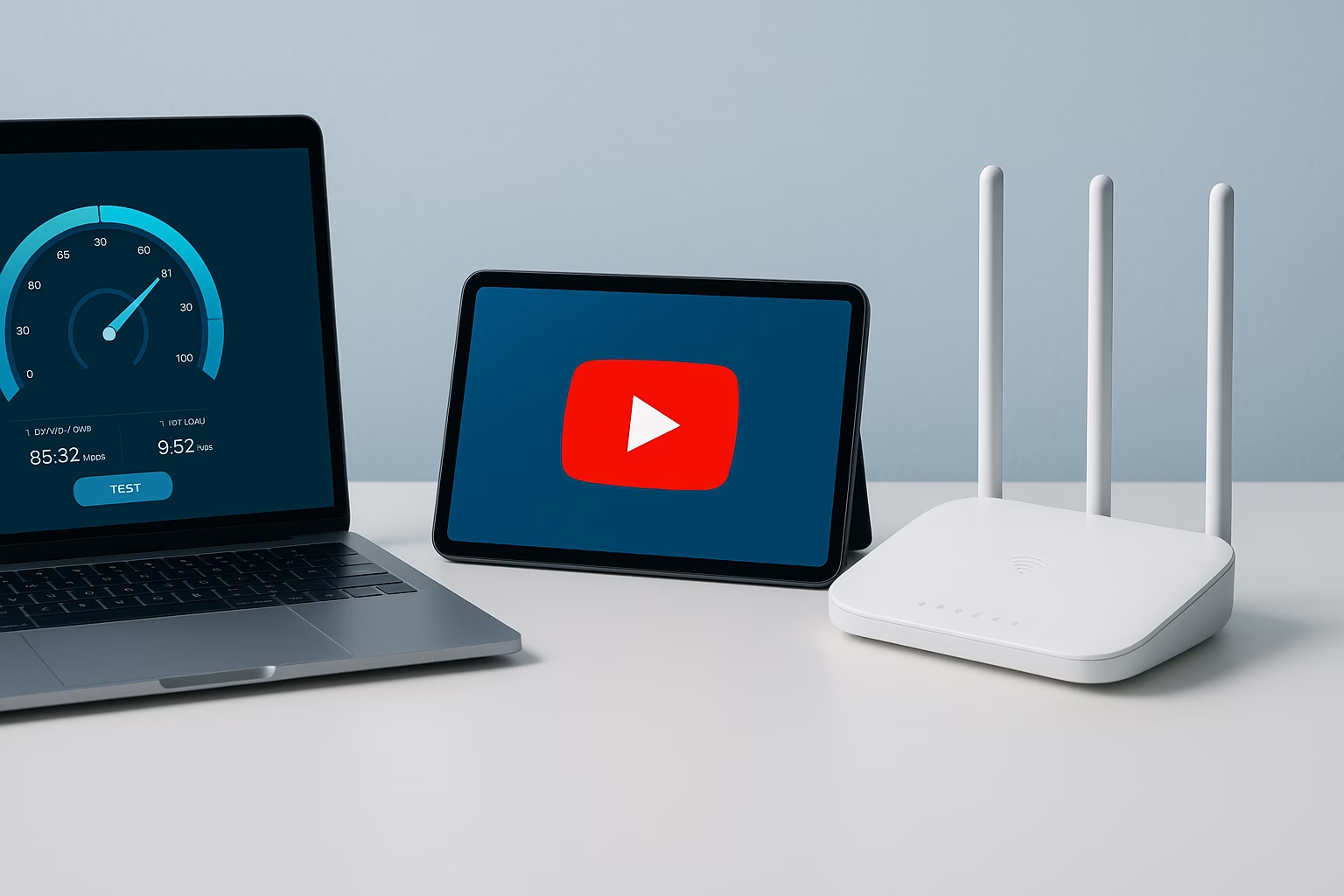
Not sure if your plan is holding you back? Run regular internet speed tests using trusted tools. Focus not only on download but upload speed. Compare your results with the YouTube-recommended requirements:
- For HD uploads: At least 5–10 Mbps
- For 4K video uploads: 20–50 Mbps minimum
- For livestreaming: Stable speed of 10 Mbps or more (with low latency)
Practical Scenarios: What Happens with the Wrong Plan
- You batch-edit 5 videos and want to upload them overnight, but your plan only gives 5 Mbps upload—what should take hours now stretches into days.
- You go live to interact with subscribers, but your connection cuts out mid-stream. Audience trust and engagement take a hit.
- You collaborate with another YouTuber, but sending them a 20GB raw file takes half a day, delaying production.
Final Tips for Creators Choosing Internet Plans
- Think long-term—your audience may demand 4K or even 8K in the future.
- If budgets are tight, prioritize upload speed and stability over maximum download speeds.
- Community feedback matters: check Yelp and Quora discussions to see how other creators in your area rate their providers.
Conclusion
As a YouTube creator, you need an internet plan that works as hard as you do. Whether you’re just starting with simple uploads or managing massive 4K projects, upload speed and connection stability are non-negotiable. The best internet plan for YouTube creators is the one that gives you enough room to grow. If your connection supports you instead of holding you back, you’ll spend less time waiting and more time creating—exactly where your energy should be.
“Most inquiries are answered within the same day”

Written by Sam jaffer
Content writer and tech enthusiast sharing insights on internet connectivity.