Posts tagged: my current internet speed

Cheap Wi-Fi for Students in Redford, MI
Finding cheap Wi-Fi for students in Redford, MI can feel overwhelming when you’re balancing budgets, study needs, and multiple devices. Students need reliable internet access for online classes, research, and of course a little streaming to unwind after long hours of studying. Yet, with all the options available, it can be hard to figure out who offers the best mix of affordability and dependability. This guide breaks down the best choices for local students, complete with practical tips on how to save money and stay connected without overspending.
Why Reliable Wi-Fi Matters for Students
Life as a student today often revolves around the internet. Whether it’s Zoom lectures, submitting assignments, collaborating with classmates on group projects, or just staying connected with family and friends, having fast Wi-Fi isn’t optional anymore—it’s essential. A poor connection doesn’t just cause stress; it can literally impact grades and productivity.
Here’s why dependable Wi-Fi is crucial:
- Online lectures: Clear video and audio without lag or constant buffering.
- Assignments: Submitting coursework on time without worrying about upload delays.
- Collaboration: Group projects that often require video calls or shared cloud workspaces.
- Entertainment: Affordable downtime for music, shows, and games helps balance stress.
Cheap Internet Options for Students in Redford, MI
If you’re a student searching for cheap Wi-Fi in Redford, MI, here are some of the most accessible and affordable service providers currently available in the area:
Spectrum
- Availability: Covers approximately 96% of homes in Redford, MI according to local data sources.
- Plan Highlight: Spectrum tends to offer the lowest entry-level broadband packages in the area, making it popular with students.
- Speed: Cable internet with speeds capable of streaming, online classes, and multiple device use.
- Bonus: Bundle options for those who also want cable TV or mobile service with their Wi-Fi.
HughesNet (Satellite Internet)
- Coverage: 100% availability across Redford, MI since satellite service is accessible in all areas.
- Plan Highlight: Wide access ensures even students in parts of town without reliable cable can still get connected.
- Consideration: Speeds are generally lower than cable or fiber, and data caps may apply, so it’s best as a backup or for lighter internet users.
Fiber Internet Options
- Speed: Fiber internet can deliver up to 1 Gig speeds with nearly zero latency, ideal for students who need high-performance internet for video editing, heavy research, or professional software.
- Availability: Fiber internet is limited in certain parts of Redford, MI, but where available, it’s often the fastest and most reliable.
Comparing Cheap Wi-Fi Plans in Redford, MI
Here’s a simple comparison of key providers available for students:
| Provider | Coverage | Best For |
|---|---|---|
| Spectrum | 96% of Redford, MI | Cheapest cable option, fast enough for most students |
| HughesNet | 100% of Redford, MI | Students in areas without reliable cable access |
| Fiber Internet | Limited areas | Students needing high performance and fast speeds |
How Students Can Save Money on Wi-Fi
Even with the cheapest plan available, costs can add up. Here are some real-world strategies for students in Redford, MI to save money while still keeping solid internet connections at home:
- Share with Roommates: Splitting the cost of a single connection is often the easiest way to cut bills significantly.
- Look for Student Discounts: Some providers occasionally run promotions for students or low-income households. Always ask before signing a contract.
- Bundle Smartly: If you and your family use mobile or TV services, bundle packages can sometimes reduce overall costs.
- Use Public Wi-Fi When Safe: Redford, MI has public hot spots such as libraries or certain cafes. While this should not replace home Wi-Fi, it can stretch data limits when used carefully.
Tips for Choosing the Right Speed
Just because a provider advertises gigabit speeds doesn’t mean every student needs that much. Here’s a quick guide to what’s practical for different student situations:
- 10–25 Mbps: Enough for basic web browsing, occasional video calls, and streaming on one device at a time.
- 50–100 Mbps: Best for households with two or three students streaming and attending classes at the same time.
- 200 Mbps+ : Useful if there are multiple gamers, frequent large file uploads, or shared housing with four or more devices online at once.
Local Student Perspectives on Affordable Wi-Fi
Conversations about affordable Wi-Fi often come up frequently on community platforms like Reddit and Quora. Many students in Michigan highlight the importance of balancing affordability with speed and reliability.
Simple Checklist Before You Sign Up
Before locking into a plan, use this checklist to avoid mistakes:
- ✅ Check the contract length (some require 24 months).
- ✅ Ask about equipment rental fees for modems and routers.
- ✅ Confirm installation costs.
- ✅ Review data caps—especially with satellite service.
- ✅ Make sure the advertised speed matches what you need.
Conclusion: Finding the Best Cheap Wi-Fi in Redford, MI
Cheap Wi-Fi for students in Redford, MI is absolutely available—you just need to match your budget with your real usage needs. For most students, Spectrum provides the best blend of affordability and wide access. HughesNet fills the gaps in harder-to-reach areas, while fiber—when accessible—is the fastest choice for those who can afford slightly more. Ultimately, splitting costs with roommates, searching for promotions, and understanding your data needs will help you get reliable internet without breaking the bank.
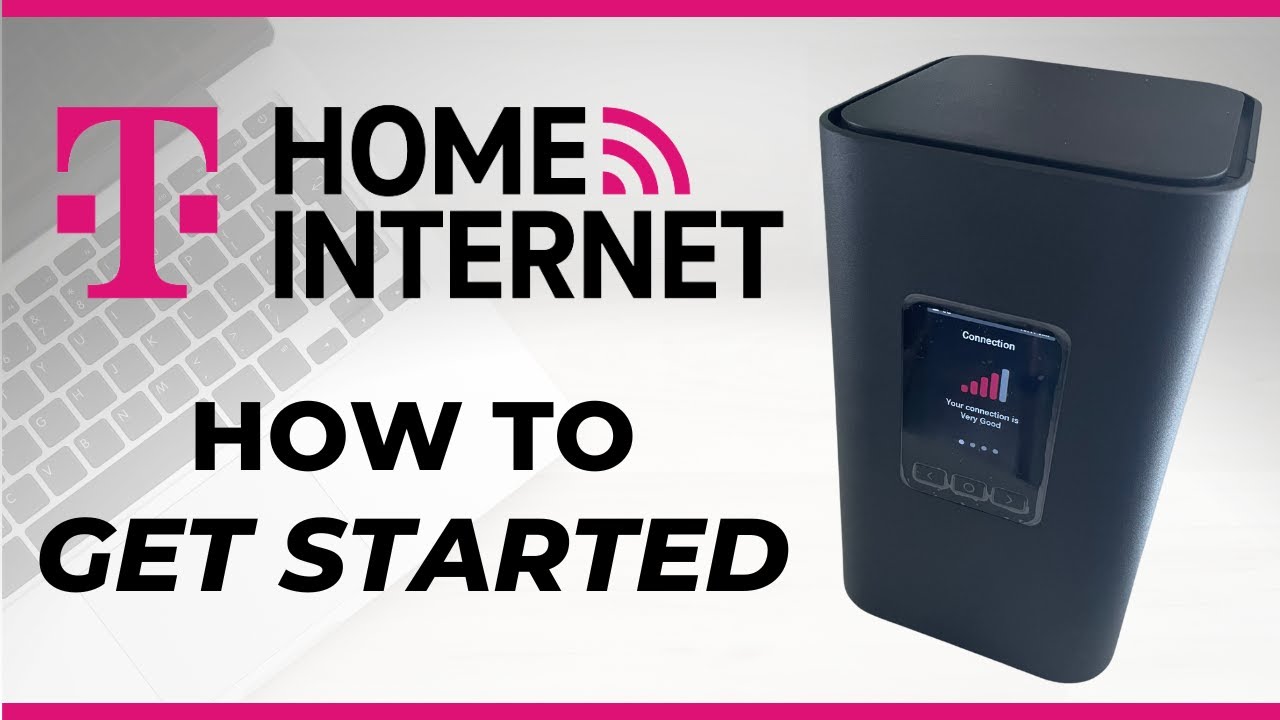
# Get Internet Installed in Minutes: Quick & Easy Guide
Isn’t it frustrating to stare at a tangled mess of wires and a half‑finished promise of “fast internet” on your desk? You’ve ordered a plan, signed a contract, but the calendar is still set to the next month for a technician to pop in. If you’re looking for a *Get Internet Installed in Minutes* solution, welcome to the right place! In this friendly, step‑by‑step guide, we’ll walk you through the most efficient ways to have a reliable internet connection humming in your home—without the waiting, the guesswork, or the extra fees.
> **Fun fact:** 74% of U.S. households think a 20‑minute call to tech support is a waste of time. We’re here to prove they’re wrong.
—
## Why Speed Matters: The Modern Home
– **Remote work & streaming** – The average U.S. worker now reaps a $1,150 annual bonus from working remotely. That’s a lot of time on video calls, not to mention your Netflix binge schedule.
– **Smart home overload** – A décor of smart cameras, voice assistants, thermostats, and light controllers demands reliable bandwidth.
– **Gaming & IoT** – Low latency is a must for an uninterrupted online gaming experience; plus, IoT devices report data every second.
Having a *quick internet installation* means you begin enjoying all these convenience perks sooner, saving you time and money.
—
## 1. Pick the Fastest, Most Reliable Plan
### *“When is it this fast?”*
– **Fiber‑Optic Internet** – Speeds from 1 Gbps to 10 Gbps. The data travels on light, so you get virtually instant connectivity.
– **Cable Internet** – Great for families large enough that 50 Mbps is simply not enough.
– **Fixed‑Wireless / 5G Broadband** – Ideal for rural or sub‑urban areas where laying fiber isn’t economical.
If you’re exploring options in the Detroit area, you might ask: *“What’s the best service for Dearborn, MI 48126?”* For that exact city, click here: **High-Speed Internet in Dearborn, MI 48126**.
—
## 2. Get a Plug‑and‑Play Service
Many providers now offer “Turnkey” installations:
1. **Black‑Box Systems** – A router and cable system that plugs into your existing TV outlet, no breaking of walls required.
2. **Self‑Install Kits** – A kit with a router, cables, and step‑by‑step instructions that can be done in 30 minutes.
**Tip:** Before ordering, call the provider’s quick‑service hotline—most of the time, this helps you schedule the best pre‑installation date.
—
## 3. How to “Get Internet Installed in Minutes”
> Quick tip: Choose effortless service packages that include *free installation* or *demo trials* to save both time and money.
### Checklist
| Step | What to Do | Duration |
|——|————|———-|
| **1** | Verify your location supports the chosen service. | 5 min |
| **2** | Order online or call the local agent. | 10 min |
| **3** | Choose the self‑install or quick‑install plan. | 2 min |
| **4** | Confirm a quick technician appointment or auto‑delivery date. | 5 min |
| **5** | Run the installation test kit or set up the self‑install; troubleshoot with on‑screen prompts. | up to 30 min |
| **6** | Enjoy; you’re online. | 5 min |
—
## 4. Bringing It All Together—The Modern “Mom & Dad” Trick
A lot of households find the *fastest way to get internet installed* by mastering the “Mom & Dad” trick:
– **Make a dedicated list** of all devices you want to connect—phones, laptops, smart fridges.
– **Map the Wi‑Fi layout**: Find walls that block signals, identify the best central location.
– **Use a mesh router**—two or three units, placed at equal distance, can cut installation time by up to 50% because they’re “plug‑and‑play” and have automatic drivers.
—
## 5. The Alternative: Affordable Wi‑Fi Service in Wyandotte, MI 48192
If you’re residing in Wyandotte or nearby, we know the classic “install with a technician” model feels archaic—those long callback loops. Instead, consider the **Affordable WiFi Service in Wyandotte, MI 48192**. That option typically bundles:
– High‑speed broadband with no hardware rental costs.
– A move‑in‑friendly “same‑day setup” promise.
– An after‑sale “quick‑start” support hotline.
This is perfect for renters or people who want speed plus minimal hassle.
—
## 6. Handy Short Tips & Tricks
– **Use a mobile hotspot test**: Turn on your phone’s hotspot for 5 minutes before ordering. That gives you a quick benchmark of what “fast internet” feels like.
– **Download the router’s firmware** before the technician arrives (if using a contracted provider). That eliminates a potential delay in updates.
– **Check the ISP’s self‑install manual**—many houses the same two‑step process of plugging in a cable and updating an app.
– **Schedule the technician after 6 pm**—most providers have a higher “pre‑check” success rate with the house empty.
– **Bring a power strip** if you have many devices—clears the way for an organised installation.
—
## 7. Wrap‑Up: Your Next Move
You’re now armed with a practical blueprint that says yes—you *can get internet installed in minutes*. Whether you’re a professional coder, a homeschooling family, or a gamer, the right tech and strategy turns installation from a 30‑day chore into a 20‑minute fix.
For a deeper dive into fiber setups or a DIY guide for wiring, check out our additional resources below. And remember: web connectivity is a hotspot for your everyday life—make sure it’s set up *fast*.
—
### Key Takeaways
– Pick fiber or modern cable for the fastest speeds.
– Look for self‑install kits or turnkey “quick‑setup” plans.
– Validate service availability *before* you buy.
– Use the simplified installation checklist above to finalize in under an hour.
Time’s a luxury—get the internet you deserve in minutes, not weeks.
## Quick Resources
– **High-Speed Internet in Dearborn, MI 48126** – Learn about local fiber offerings.
– **Affordable WiFi Service in Wyandotte, MI 48192** – Enjoy cost‑effective broadband.
– **Quick‑Start Customer Support** – Anytime you hit a snag, call the hotline or chat online.
Happy surfing! 🌐