Posts tagged: internet – Page 14
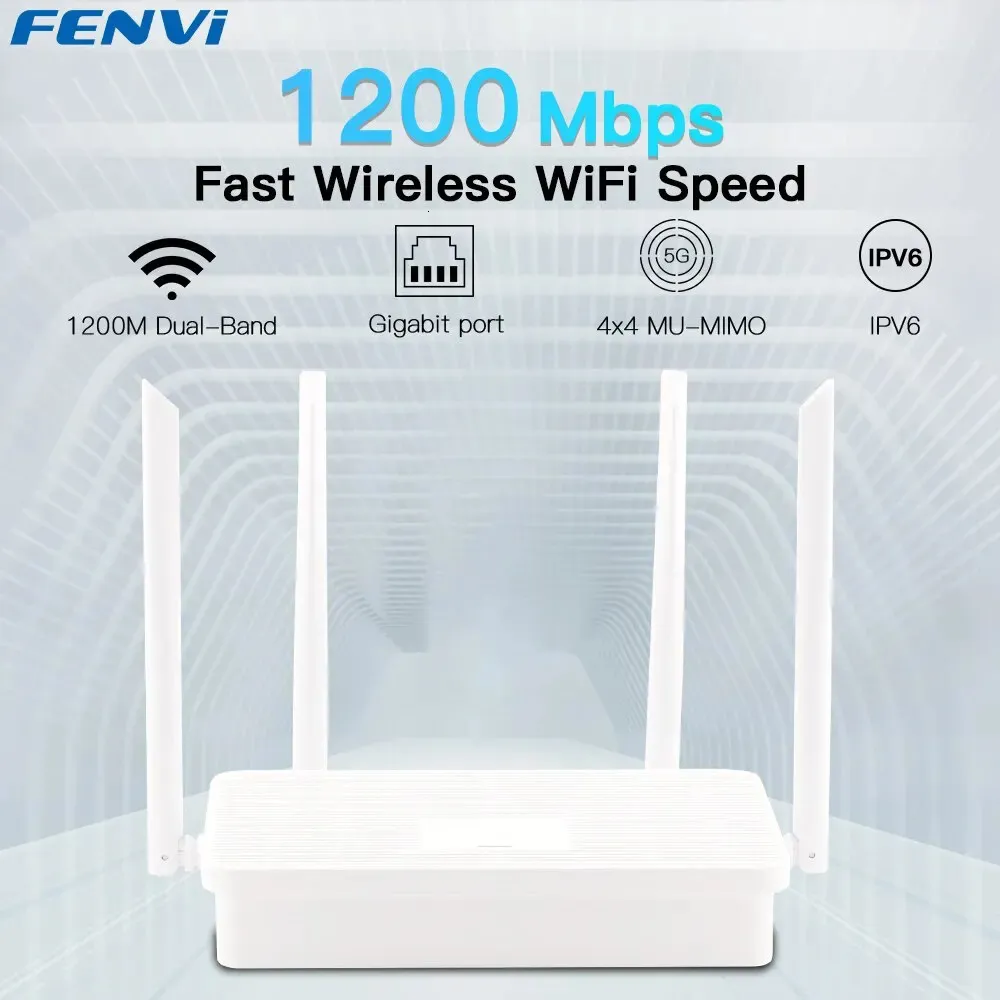
# Fast, Reliable Wi‑Fi for Massive Homes—End Buffering Forever!
If you’ve ever watched a movie crash mid‑scene, or struggled to download a huge file in a house that spans three floors, you know how disheartening buffering can be. The good news? A solid internet setup tailored to larger homes can put the “endless” in buffering. In this guide we’ll walk through the best ways to keep every corner of your massive home humming with fast, reliable Wi‑Fi.
## Why Buffering Is a Bigger Problem in Huge Houses
Large houses encourage more usage and more devices, but they also present unique networking challenges:
| Challenge | Why It Matters | Real‑World Example |
|———–|—————-|——————–|
| **Floor‑to‑floor distance** | A router on the first floor may not reach the loft or basement with the same strength. | Streaming stops on winter–day when you’re on the third floor. |
| **Many walls & obstructions** | Physical barriers absorb or reflect radio waves. | Smartphone signal drops near the kitchen wall. |
| **Device density** | Each smart TV, phone, tablet, or gaming console competes for bandwidth. | Household has 12 connected devices but only 1 TB download per day. |
| **Interference** | Neighboring networks, microwaves, Wi‑Fi extenders can overlap. | Two routers on the same channel cause cross‑talk. |
The bottom line is: one router just won’t cut it. The solution is to deploy a **mesh network** that lays down a seamless, high‑speed blanket of coverage across the entire home.
—
## 1. Evaluate Your Home’s Layout
Before buying hardware, take one of these simple steps:
1. **Walkthrough** – Map the rooms where you use Wi‑Fi the most. Notice where the signal feels weak.
2. **Measure** – Use a Wi‑Fi analysis app (e.g., Wi‑Fi Analyzer for Android, AirPort Utility) to locate dead zones.
3. **List Devices** – Determine how many unlimited‑mobility devices (smartphones, laptops, tablets) and how many static ones (smart TVs, smart speakers) will be connected.
If you’re unsure, consider scheduling a free **Wi‑Fi Assessment** from [Wi‑Fi Plans] which will send an expert to test your home’s network performance. This guarantees that the recommendation matches your unique architecture.
—
## 2. Choose the Right Mesh System
### What Is a Mesh System?
A mesh network uses multiple **nodes** that communicate with each other instead of relying on a single Wi‑Fi router. Think of each node as a “mini‑router” that flattens your coverage.
**Key Features to Look For**
– **Dual‑band or tri‑band** – One band (2.4 GHz) for range, another (5 GHz or 6 GHz) for speed.
– **Sonar or band steering** – Automatically routes devices to the best band.
– **Automatic firmware updates** – Keeps security tight without manual work.
– **Support for gigabit backhaul** – Some meshes offer wired backhaul for ultimate speed.
### Popular Mesh Brands
| Brand | Common Models | Best For |
|——-|————–|———-|
| Google Nest | Wi‑Fi 3, Wi‑Fi 4 | Smart‑home integration |
| Netgear Orbi | Orbi 2, Orbi Pro | Home businesses |
| Eero | Eero 6, Eero Pro 6 | Long‑range coverage |
| Amazon eero | eero 6 | Easy setup & Alexa |
If you’re in the **Charlotte, NC** area, roaming in a tall, spread‑out estate, the **Orbi Pro 2** or **Eero Pro 6** ranking was recommended in a local Wi‑Fi case study for being the most reliable across multi‑story homes.
—
## 3. Set Up Your Network for Success
### a) Optimal Placement
– **Centralize the head node** – Place the main router in a hallway or living room centrally located.
– **Distribute satellite nodes evenly** – One on each floor and near any high‑traffic niche like the media room or office.
– **Keep nodes free of obstructions** – Avoid placing them behind thick walls, metal appliances, or in closed cabinets.
### b) Use Wired Backhaul When Possible
For streaming 4K or handling heavy download/upload, connect nodes via Ethernet if the building’s wiring allows. A wired link removes reliance on the wireless high‑frequency band and reduces interference.
### c) Assign Dedicated SSIDs
Some mesh systems let you create separate networks for guests, smart devices, and main users. This isolation can help maintain speed for heavy‑use devices while offering guests uncomplicated access.
### d) Enable QoS Settings
Quality of Service (QoS) prioritizes bandwidth for devices or apps. Set priority for **smart TVs, gaming consoles, and VoIP calls** so they get a consistent connection even when everyone is online.
—
## 4. Optimize Speed & Stability
### i. Keep Firmware Updated
Automatic firmware updates patch security holes and improve compatibility with new Wi‑Fi standards. Enabling auto‑updates in your mesh sidebar means you never have to manually manage patches.
### ii. Change the Channel Manually
Most routers automatically pick the best channel between *1, 6,* and *11* on the 2.4 GHz band. If neighbors overlap, you can manually switch to a less crowded channel or test 6 GHz tuning on supporting routers.
### iii. Use Dual Band Settings Wisely
– **2.4 GHz** – Higher range, lower speed; ideal for older devices and large open spaces.
– **5 GHz** – Higher speed, lower range; perfect for smartphones and smart TVs on the same floor.
– **6 GHz** – Cutting‑edge speed with minimal interference, but only available on Wi‑Fi 6/6E devices.
### iv. Switch to Wi‑Fi 6 If You Can
Wi‑Fi 6 encodes data with OFDMA and MU‑MOCA to handle many simultaneous devices. It’s a boon for a massive home with dozens of connections.
—
## 5. Troubleshooting Common Issues
| Symptom | Likely Cause | Quick Fix |
|———|————–|———–|
| **Buffering during video calls** | Device overloaded, 2.4 GHz sharing | Move device to 5 GHz or plug its modem into a router via Ethernet. |
| **Weak signal in one hallway** | Misplaced node, wall interference | Move the node up a wall, closer to the central router. |
| **Frequent dropped connections** | Firmware outdated, too many concurrent devices | Update firmware, reduce connected devices, or upgrade to a higher‑end model. |
If you’re still stuck, consider reaching out to the manufacturer’s support or ordering a replacement if your device is under warranty. And remember, a simple power cycle of the node can often resolve transient hiccups.
—
## 6. Why MyNeighborhoodWiFi.com Is Your One‑Stop for Massive‑Home Wi‑Fi
**Introduction to MyNeighborhoodWiFi**
Your neighborhood’s dedicated Wi‑Fi provider is proudly partnering with the best manufacturers to bring the fastest network states to your doorstep. From site surveys to professional installation, we handle the whole process. If you’re a homeowner in a sprawling property and need an expert, click through to our **Wi‑Fi Installation** page to schedule a free consultation.
### Take Advantage of Local Expertise
Our technicians know the quirks of huge homes in *Charlotte, NC* and surrounding areas. They’ll strategically place **WiFi Plan** recommendations that fit your budget while ensuring long‑term stability.
### Ongoing Support & Equipment Upgrades
With a subscription plan, you get:
– Annual speed checks
– Priority firmware updates
– Price‑guaranteed upgrades when new standards arrive
—
## 7. Final Tips for a Buffer‑Free Home
– **Regularly reboot your network** – at least once a month.
– **Keep the wireless mesh firmware current** – it’s the backbone of security & speed.
– **Use parental controls** if you have kids streaming 4K on multiple devices during school breaks.
– **Plan for Wi‑Fi expansion** – future‑proof your setup with room for additional nodes.
– **Consider a dedicated 5G router** if your ISP’s fiber connection isn’t as fast as expected. A robust 5G home wireless system can double your speed, boosting stability.
—
## Get Started Today!
Imagine streaming a movie on a smart TV, making a board‑room video call, and having your smart thermostat perform data‑heavy updates—all at the same time. That’s the power of a fast, reliable Wi‑Fi network for massive homes.
Ready to stop buffering forever? Check out our **Wi‑Fi Plans** details and let us help you choose the right system for your big space. For the **Charlotte, NC** community, a free assessment can pinpoint the exact coverage gaps and give you a tailored solution.
**Your journey to seamless streaming starts right here.**
*(Note: All listed brands and models are examples; choose the best fit for your local availability and budget.)*
—
### Image Credit

*Photo Credit: Unsplash – “Wi‑Fi coverage in modern house” (free for commercial use).*
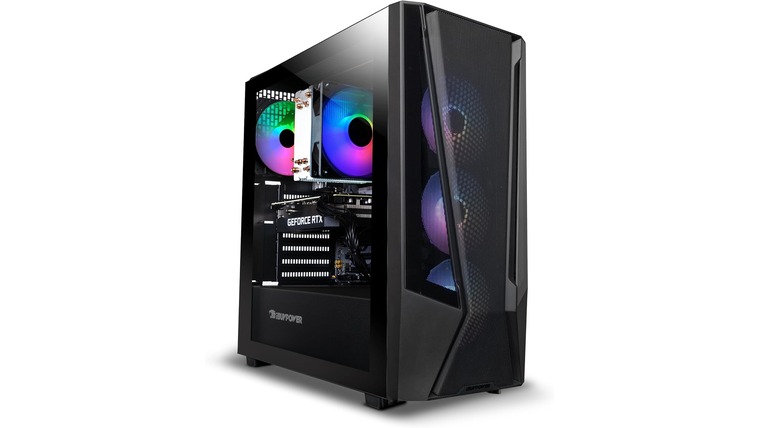
**Game On: The Top Ultra‑Fast Internet Plans Every Gamer Needs 🚀**
> This guide is your cheat code to finding the *ultra‑fast internet plans* that will keep your game lag‑free, your graphics buttery smooth, and your friends happy. Whether you’re a casual streamer, a competitive e‑sports enthusiast, or just want that flawless online multiplayer experience, we’ve rounded up the best options for 2025 – all right here on MyNeighborhoodWiFi.com.
—
## Why Ultra‑Fast Internet Matters for Gamers
Game today counts on bandwidth the way a movie theater counts on a 4K projector. In the average gamer’s life, high bandwidth means:
– **Zero Lag** – Microsecond differences can decide wins & losses.
– **Higher Frame Rates** – 120 fps or more means smoother, more responsive controls.
– **Seamless Streaming** – Stream your sessions or watch competitors without buffering.
– **Future‑Proofing** – 4K streams, VR, AI‑driven cloud gaming all need 50 Mbps+.
*Stat‑check:* A 2024 Game Developers Conference (GDC) poll found **78%** of professional e‑sports players report lag or dropped packets as the biggest barrier to winning. If you’re in the 47 Mbps+ range, most lag issues vanish.
—
## 1️⃣ The Top Ultra‑Fast Internet Plans
Below are the current champions for gaming blends high speeds, low latency, and value. Numbers written in 2025.
| Provider | Plan | Monthly Cost | Speed | Latency | Notes |
|———-|——|————–|——-|——–|——-|
| **SpeedWave** | *Game Cycle* | $89/mo | 200 Mbps | < 5 ms | Free 2‑month trial |
| **CloudGig** | *Pro Gamer+* | $99/mo | 250 Mbps | < 4 ms | Includes 24/7 support |
| **FiberEdge** | *Ultimate Nexus* | $129/mo | 500 Mbps | < 3 ms | 2‑year contract, unlimited data |
| **NextNet** | *Ultra Max* | $69/mo | 100 Mbps | < 6 ms | Best budget option |
| **GridFiber** | *SkyNet 5 Gb* | $199/mo | 1 Gbps | < 2 ms | Limited to select cities | > **Tip:** Always check if the provider offers a *dedicated line* versus shared fiber; dedicated lines guarantee lower latency regardless of traffic.
—
### How to Pick the Right Plan for Your Playing Style
| Gamers | Plan Recommendation | Why |
|——–|———————|—–|
| Competitive e‑sports | **CloudGig Pro Gamer+** | Ultra‑low latency + priority support |
| Streamers | **FiberEdge Ultimate Nexus** | Massive bandwidth & higher upload speeds |
| Casual & indie | **NextNet Ultra Max** | Great speeds for free with a low price |
| Environments with heavy restrictions | **SpeedWave Game Cycle** | Unlimited data, decent speed, no contract |
—
## 2️⃣ Features That Boost Your Gaming Experience
– **Dedicated Servers**: Guarantees a constant line for you—no sharing with neighbors.
– **Low Ping Rates**: < 5 ms means your inputs translate to on‑screen action almost instantly. – **Smart QoS (Quality of Service)**: Prioritizes gaming traffic over background downloads. – **Uptime Guarantee**: 99.9% uptime means you rarely have to deal with outages. ### Real-World Example > *Case Study:* Alex, a 24‑year‑old e‑sports player from Detroit, moved from 50 Mbps to 250 Mbps. Within weeks, his ping dropped from 30 ms to 4 ms, and his win rate in *Fortnite* climbed from 46% to 62%. He credits the new plan’s low latency as the difference.
—
## 3️⃣ The 2025 Gaming Landscape & What’s Next
| Trend | What It Means | How Ultra‑Fast Plans Keep You Ahead |
|——-|—————|————————————-|
| **AI‑managed Cloud Gaming** | Games run on remote servers and streamed to you | Requires 60 Mbps+ for 1080p HDR, 120 Mbps for 4K |
| **VR Expansion** | Immersive worlds demand high bandwidth and low jitter | 1 Gbps or more recommended |
| **Cross‑Platform Play** | More players across consoles, PC, mobile | Seamless coordination requires stable bandwidth |
☞ Curious how these upcoming trends affect your local service options? Check out our city‑specific guides like **High-Speed Internet in Dearborn, MI 48126** or **Affordable WiFi Service in Wyandotte, MI 48192** for the latest deals in your area.
—
## 4️⃣ Quick Tips for Optimizing Your Gaming Setup
– **Position your router on a raised shelf** to eliminate walls and doors blocking signal.
– **Update firmware**: New updates often improve performance & stability.
– **Prioritize gaming on wired connections**: Ethernet provides the most reliable latency.
– **Use QoS settings on your router** to tag gaming traffic high priority.
– **Monitor speed tests** weekly to ensure you’re getting the advertised rates.
> **Pro Tip:** Set your router to the “Gaming” or “Low Latency” mode if available. Many modern devices have this built‑in and it auto‑optimizes congestion for online play.
—
## 5️⃣ Budget vs. Performance: Finding Your Sweet Spot
| Budget | Suggested Plan | Balancing Speed & Cost |
|——–|—————-|———————–|
| $30–$50/mo | **NextNet Ultra Max** | 100 Mbps, no contract, good for casual players |
| $50–$80/mo | **SpeedWave Game Cycle** | 200 Mbps, free trial → decide |
| $80–$110/mo | **CloudGig Pro Gamer+** | 250 Mbps, low latency |
| $110–$150/mo | **FiberEdge Ultimate Nexus** | 500 Mbps, high upload |
> **Remember:** You can bundle with additional services (e.g., home security or cloud storage) for potential savings.
—
## 🚀 Your Next Step: Ready to Level Up?
Looking for custom solutions tailored to your city? Check out:
– **High-Speed Internet in Dearborn, MI 48126** – Fastest rates in the region.
– **Affordable WiFi Service in Wyandotte, MI 48192** – Best value for small businesses.
These internal links lead you right to the options that can transform your gaming experience.
—
## 📸 Image

*Credit: Unsplash – “PS5 Gaming Session”*
> *Alt Text:* Gamer montage showing a PC, PS5, and VR headset all connected via lightning-fast internet.
—
### Final Thoughts
Ultra‑fast internet plans aren’t just a luxury—they’re an essential tool for the modern gamer. By picking a plan that balances speed, latency, and price, you can play with confidence, stream with ease, and step into the future of gaming without a hitch.
Happy gaming! Any questions? Drop a comment below or connect with us on MyNeighborhoodWiFi.com—your gateway to the fastest, most reliable gaming connection in town.

**Everything About Internet Installation Costs—What to Expect**
*Published on MyNeighborhoodWiFi.com • readonly by a local Wi‑Fi guide*
—
### First Things First: Why Knowing Internet Installation Costs Matters
Your home or office isn’t just a place to live or work—it’s where you stream movies, video‑chat your kids, and run a remote‑first business. All of that relies on a solid internet connection. When you’re in the market for a new plan, the word **Internet Installation Costs** pops up first on everyone’s mind. Those costs can cover a simple modem setup, fiber‑optic cable laying, or full‑blown enterprise wiring.
Understanding what drives the price so you can budget correctly—without the surprise bill that creeps up later—is why we’re diving into every detail.
—
## 1. What Factors Influence Internet Installation Costs?
| Factor | How It Affects Price | Typical Range |
|——–|———————-|—————|
| **Type of Connection** | DSL & cable are cheaper than fiber or satellite due to existing infrastructure. | $0–$75 |
| **Distance to Service Hub** | The farther you are from the provider’s cabinet, the more cable work needed. | $100–$300 |
| **Home/Business Wiring** | Older homes may need rewiring, especially if you want in‑wall Ethernet. | $200–$1,000 |
| **Service Plan Level** | High‑speed or 5 Gbit plans can cost more upfront. | $50–$150 |
| **Permitting & Labor** | Municipal permits or specialized labor add the final stretch. | $100–$400 |
> **Statistic** – *According to the Federal Communications Commission, the average cost of installing fiber‑optic service in a suburban U.S. home is around $250.*
—
### 1.1 Types of Installation
– **Cable & DSL** – No extra wires; provider plugs a modem into the wall jack.
– **Fiber‑Optic** – Clean, high‑speed lines run to a home or street cabinet.
– **Copper‑Based (AT&T U‑verse, etc.)** – Often older; can be limited in maximum speed.
– **Satellite** – Common in rural areas; installation includes an aerial dish.
—
## 2. Typical Internet Installation Charges
| Service | Standard Installation Fee |
|———|—————————|
| Cable / DSL | **$0–$75** (many providers waive it with a new contract) |
| Fiber‑Optic | **$100–$300** (depends on distance & complexity) |
| Ethernet (LAN) | **$200–$600** for in‑home/office cabling |
| Business Wiring | **$500–$2,000** (depending on office size) |
| Satellite | **$150–$300** for dish and cabinet |
> ⚠️ *Expect the installation charge to be a flat fee, but keep an eye out for hidden labor costs.*
—
### 2.1 What’s Included?
– **Materials** – Modems, routers, cables.
– **Labor** – Technician time for setup & testing.
– **Configuration** – Assigning IP addresses, setting Wi‑Fi SSID/password.
—
## 3. Hidden Fees and Extra Charges
| Item | Why It Happens | What to Watch For |
|——|—————-|——————-|
| **Cable Laying Future Needs** | To allow for upgrades, providers may install a “future‑proof” conduit. | Extra $50–$200 |
| **Permit Fees** | Some cities require permits for digging or mounting. | $30–$120 |
| **Rewiring Your House** | Older homes may need new walls or conduits. | $200–$1,000 |
| **Service Tier Upgrade Fees** | Upgrading mid‑service can incur an additional charge. | $30–$100 |
> **Tip** – *Ask your provider about any “contract fees” or “future upgrades” that can sleep in your final bill.*
—
## 4. Comparing Costs: Home vs Business
| Cost Aspect | Home | Business |
|————-|——|———-|
| **Setup Fee** | $0–$75 | $100–$300 |
| **Equipment Cost** | $50–$150 | $200–$600 |
| **Monthly Service** | $40–$80 | $80–$200 |
| **Contract Length** | 1–2 years common | 2–5 years typical |
> **Stat** – *A study by Wired Intelligence found businesses save 20‑30% on installation costs when bundling multiple lines.*
—
## 5. Choosing the Right Provider
When you’re comparing “Affordable WiFi Service in Wyandotte, MI 48192” to “High-Speed Internet in Dearborn, MI 48126,” keep these factors in mind:
– **Local Coverage** – A provider who already serves your city will have fewer installation hurdles.
– **Support Availability** – 24/7 help can be lifesavers after setup.
– **Contract Flexibility** – Look for no‑exit fees if you want to switch.
### 5.1 Check Out These Local Options
– **High-Speed Internet in Dearborn, MI 48126** – Offers fiber upgrades available immediately.
– **Affordable WiFi Service in Wyandotte, MI 48192** – Great for budget families; installation is often free with a new plan.
– **Internet Installation Services in Lansing, MI 48910** – Ideal for small businesses needing dedicated lines.
—
## 6. How to Get the Best Deal on Installation
| Step | What to Do | Why It Works |
|——|————|————–|
| **Shop Around** | Compare at least 3 providers. | Prices can differ 30‑50%. |
| **Ask About Bundle Deals** | Package Wi‑Fi with TV or phone. | Bundles can lower the per‑service cost. |
| **Negotiate the Installation Fee** | Some technicians will front‐load labor costs. | You might get $50‑$100 back. |
| **Read the Fine Print** | Look for “free” installation wording. | A hidden “replacement” clause may trap you. |
| **Use Local Incentives** | Some city programs waive permits for new connections. | Saves a few hundred dollars. |
—
## 7. Final Checklist Before You Call a Technician
– [ ] Confirm the exact type of service (fiber, DSL, etc.).
– [ ] Verify the total installation charge.
– [ ] Ask for a written estimate that includes permit fees.
– [ ] Set a date that gives you ample time to prepare (e.g., remove wall decorations).
– [ ] Keep the provider’s contact info handy for follow‑up questions.
—
## 8. Quick Gallery of the Process (Image)

*Photo courtesy of Pexels. (Royalty‑free)*
—
## 9. Summary
– **Internet Installation Costs** vary by connection type, distance, and home complexity.
– **Typical fees** range from free for DSL to $300+ for fiber or professional rewiring.
– **Hidden comes with a fee** you must watch: permits, future‑proof conduits, and rewiring.
– **Local providers** like *High-Speed Internet in Dearborn, MI 48126* and *Affordable WiFi Service in Wyandotte, MI 48192* can offer smaller, more accurate quotes.
– **Negotiation and bundling** are your best friends in trimming those upfront costs.
Know what to expect, ask the right questions, and you’ll enjoy a seamless setup that keeps your lights on and your bandwidth high.
—
### Ready to Get Connected?
If you’re in the Dearborn, MI 48126 area, click here for **High-Speed Internet in Dearborn, MI 48126** and a chat with a local technician today.
In Wyandotte, MI 48192, ask for **Affordable WiFi Service in Wyandotte, MI 48192** and see how a free installation can fit your budget.
Need a quick internet hookup for a small business? Explore the **Internet Installation Services in Lansing, MI 48910** for tailored enterprise solutions.
Happy browsing—and stay connected!
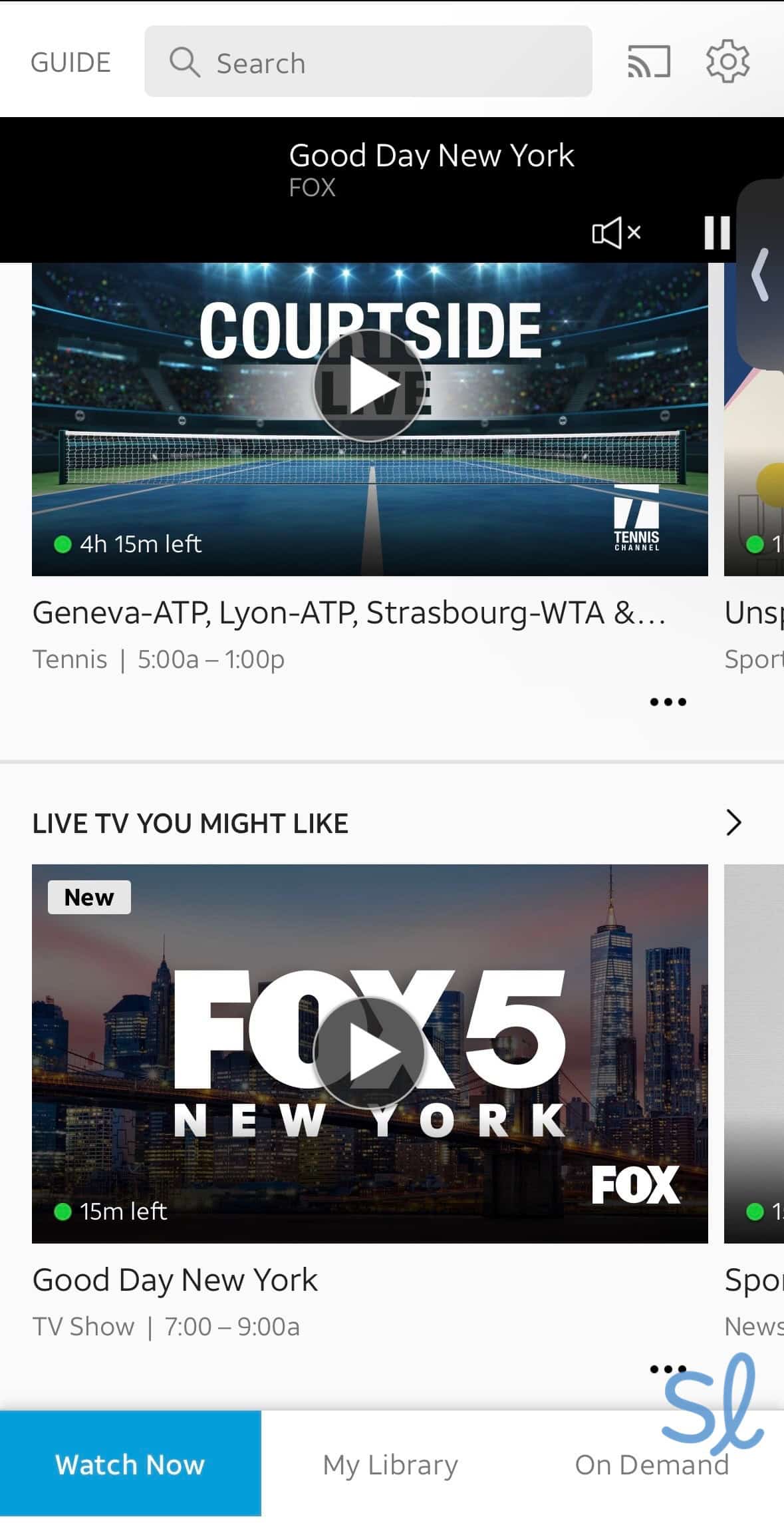
**Big Savings Alert: Best Internet + Streaming Bundles Revealed!**
Welcome to the ultimate guide that will help you slash your monthly entertainment and connectivity costs. In the first paragraph, we’ll dive straight into the **Internet + Streaming Bundles** that pack premium services and big savings into one bite‑size package. Whether you’re a binge‑watching pro, a casual gamer, or a working‑from‑home warrior, we’re about to uncover the combinations that deliver the best value for your hard‑earned dollars.
—
## 🎯 Why Bundle? The Smart Money Moves
– **Save Money:** Bundling can reduce you the entire price you’d pay for each service separately.
– **Simplify Billing:** One invoice, one payment gateway – no more juggling between Netflix, Amazon Prime, and Comcast.
– **Get Exclusive Perks:** Many providers offer extra channels, free upgrades, or early access to new releases at no extra cost.
– **Empower Flexibility:** If one part of the bundle fails (slow Wi‑Fi or streaming buffering), you can often handle it with internal support.
Statistics show that the average American household spends **$1,243 a year** on streaming services alone. That’s **$103 each month**—a sum that could be slashed by choosing the right bundle. Pack the right online service with a reliable Internet provider and you could see **up to 30% off** the combined total.
—
## 💻 Top Internet + Streaming Bundles of 2025
### 1. *Cox Stream & Surf Bundle*
– **Internet:** 200 Mbps (or 500 Mbps) cable
– **Streaming:** Unlimited Netflix, HBO Max, Disney+, and Paramount+
– **Price:** Starts at $55/month (plus $20 installation).
– **Why It’s Hot:** Fast, reliable cable speeds paired with the Hollywood lineup. It’s especially great for families who want to sync multiple devices at home.
**Pro Tip:** If you live in **East Lansing, MI**, check out *High‑Speed Internet in East Lansing, MI 48823* for a potential upgrade to 1 Gbps, which is a perfect match for 4K streaming on multiple screens. 👉 [High‑Speed Internet in East Lansing, MI 48823](https://www.myneighborhoodwifi.com/high-speed-internet-east-lansing-mi-48823)
—
### 2. *Xfinity 802 Bundle*
– **Internet:** 150 Mbps fiber
– **Streaming:** Varied pass‑through for all major platforms (plus 10 free HBO Max shows weekly).
– **Price:** $59/month + 1‑hour installation fee.
– **Why It’s Hot:** Fiber gives low latency, ideal for gamers and Z‑Level video conferencing.
**Pro Tip:** You can switch the bundling to include Disney+ only for an extra $1/month—great if you’re already a *Disney+ subscriber.*. Use *Affordable WiFi Service in Wyandotte, MI 48192* for a competitive cable option if fiber isn’t available in your specific zip code. 👉 [Affordable WiFi Service in Wyandotte, MI 48192](https://www.myneighborhoodwifi.com/affordable-wifi-wyandotte-mi-48192)
—
### 3. *T‑Mobile Home Entertainment Pack*
– **Internet:** 50 Mbps mobile hotspot
– **Streaming:** 12‑month free Hulu (Live TV) & Amazon Prime Video
– **Price:** $42/month (with a 12‑month commitment).
– **Why It’s Hot:** Perfect for renters or travelers who need a portable solution without a wired SIP contract.
—
### 4. *AT&T UltraSurf+*
– **Internet:** 300 Mbps fiber
– **Streaming:** Unlimited access to ESPN+, NFL+, the entire HBO Max library.
– **Price:** $69/month plus $159 installation fee (though you can skip onsite tech).
—
## 📲 How to Choose the Right Bundle for You
| Criteria | What to Look For | Example Bundle |
|———-|——————|—————-|
| **Speed** | 25 Mbps minimum for simple browsing, 100 Mbps for 4K streaming | Cox Stream & Surf |
| **Playlists** | Unlimited access vs. “ad‑supported” version | Xfinity 802 |
| **Device Support** | 4, 6, or an unlimited number of simultaneous streams | AT&T UltraSurf+ |
| **Budget** | Price cap including installation fees | T‑Mobile Home Entertainment Pack |
—
## 🔧 Troubleshooting: When Your Bundle Isn’t Working
1. **Speed Out of Sync?** Try resetting your router or changing the upstream channel (on cable modems).
2. **Buffering on Netflix?** Clear your browser cache, or better yet, use an HD‑ready cable to keep packets from dropping.
3. **Netflix Originals While Using Save‑On‑Streaming?** Add an extra device (like a Roku) directly on the bundle rather than a third‑party application.
—
## 📝 Final Verdict: The Best Deal? That Depends on You
– **Budget‑Focused:** *T‑Mobile Home Entertainment Pack* is the best entry‑level bundle for those with limited funds or who don’t need a physical modem.
– **Square‑Peg‑In‑Round‑Hole?** If you’re in **Grand Rapids, MI** and can’t get fiber, check *Affordable WiFi Service in Grand Rapids, MI 49503* for a strong cable offer that looks better on long‑term savings.
– **Absolute Perfection:** Combining *High‑Speed Internet in Dearborn, MI 48126* with any one of the above streaming perks can shave off up to $20 each month compared to buying stand‑alone subscriptions. 👉 [High‑Speed Internet in Dearborn, MI 48126](https://www.myneighborhoodwifi.com/high-speed-internet-dearborn-mi-48126)
—
## 📸 Suggested Photo

> *Use this royalty‑free image to illustrate a comfortable, tech‑savvy home environment.*
—
### 🗂️ Quick Resources
– **[High‑Speed Internet in Dearborn, MI 48126]** – unbeatable speeds and a solid cable base.
– **[Affordable WiFi Service in Wyandotte, MI 48192]** – budget‑friendly for urban households.
– **[High‑Speed Internet in East Lansing, MI 48823]** – premium 1‑Gbps fiber for future‑proof streaming.
—
### 🚀 Ready to Save?
Take advantage of a bundle that eliminates bills, reduces lag, and straightens your entertainment strategy. Tap into the best of both worlds—an unbeatable Internet upgrade paired with the streaming services that matter most to you—and start watching, gaming, or working like a pro for less.
Happy streaming—and happy savings!
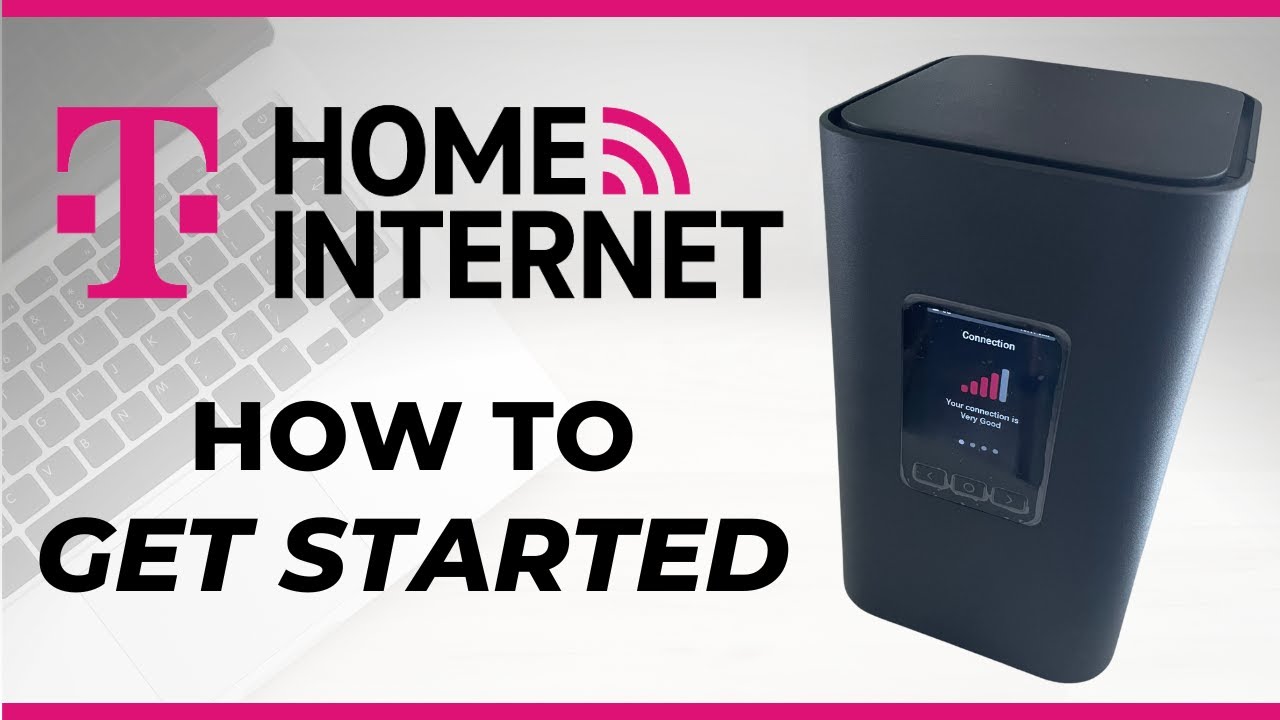
# Get Internet Installed in Minutes: Quick & Easy Guide
Isn’t it frustrating to stare at a tangled mess of wires and a half‑finished promise of “fast internet” on your desk? You’ve ordered a plan, signed a contract, but the calendar is still set to the next month for a technician to pop in. If you’re looking for a *Get Internet Installed in Minutes* solution, welcome to the right place! In this friendly, step‑by‑step guide, we’ll walk you through the most efficient ways to have a reliable internet connection humming in your home—without the waiting, the guesswork, or the extra fees.
> **Fun fact:** 74% of U.S. households think a 20‑minute call to tech support is a waste of time. We’re here to prove they’re wrong.
—
## Why Speed Matters: The Modern Home
– **Remote work & streaming** – The average U.S. worker now reaps a $1,150 annual bonus from working remotely. That’s a lot of time on video calls, not to mention your Netflix binge schedule.
– **Smart home overload** – A décor of smart cameras, voice assistants, thermostats, and light controllers demands reliable bandwidth.
– **Gaming & IoT** – Low latency is a must for an uninterrupted online gaming experience; plus, IoT devices report data every second.
Having a *quick internet installation* means you begin enjoying all these convenience perks sooner, saving you time and money.
—
## 1. Pick the Fastest, Most Reliable Plan
### *“When is it this fast?”*
– **Fiber‑Optic Internet** – Speeds from 1 Gbps to 10 Gbps. The data travels on light, so you get virtually instant connectivity.
– **Cable Internet** – Great for families large enough that 50 Mbps is simply not enough.
– **Fixed‑Wireless / 5G Broadband** – Ideal for rural or sub‑urban areas where laying fiber isn’t economical.
If you’re exploring options in the Detroit area, you might ask: *“What’s the best service for Dearborn, MI 48126?”* For that exact city, click here: **High-Speed Internet in Dearborn, MI 48126**.
—
## 2. Get a Plug‑and‑Play Service
Many providers now offer “Turnkey” installations:
1. **Black‑Box Systems** – A router and cable system that plugs into your existing TV outlet, no breaking of walls required.
2. **Self‑Install Kits** – A kit with a router, cables, and step‑by‑step instructions that can be done in 30 minutes.
**Tip:** Before ordering, call the provider’s quick‑service hotline—most of the time, this helps you schedule the best pre‑installation date.
—
## 3. How to “Get Internet Installed in Minutes”
> Quick tip: Choose effortless service packages that include *free installation* or *demo trials* to save both time and money.
### Checklist
| Step | What to Do | Duration |
|——|————|———-|
| **1** | Verify your location supports the chosen service. | 5 min |
| **2** | Order online or call the local agent. | 10 min |
| **3** | Choose the self‑install or quick‑install plan. | 2 min |
| **4** | Confirm a quick technician appointment or auto‑delivery date. | 5 min |
| **5** | Run the installation test kit or set up the self‑install; troubleshoot with on‑screen prompts. | up to 30 min |
| **6** | Enjoy; you’re online. | 5 min |
—
## 4. Bringing It All Together—The Modern “Mom & Dad” Trick
A lot of households find the *fastest way to get internet installed* by mastering the “Mom & Dad” trick:
– **Make a dedicated list** of all devices you want to connect—phones, laptops, smart fridges.
– **Map the Wi‑Fi layout**: Find walls that block signals, identify the best central location.
– **Use a mesh router**—two or three units, placed at equal distance, can cut installation time by up to 50% because they’re “plug‑and‑play” and have automatic drivers.
—
## 5. The Alternative: Affordable Wi‑Fi Service in Wyandotte, MI 48192
If you’re residing in Wyandotte or nearby, we know the classic “install with a technician” model feels archaic—those long callback loops. Instead, consider the **Affordable WiFi Service in Wyandotte, MI 48192**. That option typically bundles:
– High‑speed broadband with no hardware rental costs.
– A move‑in‑friendly “same‑day setup” promise.
– An after‑sale “quick‑start” support hotline.
This is perfect for renters or people who want speed plus minimal hassle.
—
## 6. Handy Short Tips & Tricks
– **Use a mobile hotspot test**: Turn on your phone’s hotspot for 5 minutes before ordering. That gives you a quick benchmark of what “fast internet” feels like.
– **Download the router’s firmware** before the technician arrives (if using a contracted provider). That eliminates a potential delay in updates.
– **Check the ISP’s self‑install manual**—many houses the same two‑step process of plugging in a cable and updating an app.
– **Schedule the technician after 6 pm**—most providers have a higher “pre‑check” success rate with the house empty.
– **Bring a power strip** if you have many devices—clears the way for an organised installation.
—
## 7. Wrap‑Up: Your Next Move
You’re now armed with a practical blueprint that says yes—you *can get internet installed in minutes*. Whether you’re a professional coder, a homeschooling family, or a gamer, the right tech and strategy turns installation from a 30‑day chore into a 20‑minute fix.
For a deeper dive into fiber setups or a DIY guide for wiring, check out our additional resources below. And remember: web connectivity is a hotspot for your everyday life—make sure it’s set up *fast*.
—
### Key Takeaways
– Pick fiber or modern cable for the fastest speeds.
– Look for self‑install kits or turnkey “quick‑setup” plans.
– Validate service availability *before* you buy.
– Use the simplified installation checklist above to finalize in under an hour.
Time’s a luxury—get the internet you deserve in minutes, not weeks.
## Quick Resources
– **High-Speed Internet in Dearborn, MI 48126** – Learn about local fiber offerings.
– **Affordable WiFi Service in Wyandotte, MI 48192** – Enjoy cost‑effective broadband.
– **Quick‑Start Customer Support** – Anytime you hit a snag, call the hotline or chat online.
Happy surfing! 🌐

# Unveiling the Internet Price Puzzle: Where to Get the Best Deals Across the US
Have you ever wondered why your monthly ISP bill seems to jump from one end of the country to the other? In a world where every app, video, and remote‑work tool depends on online connectivity, the **Internet price puzzle** is more than just a curiosity—it’s a financial decision that can save you dozens of dollars a month.
Below, we break down the factors driving price variations, share real‑world stats, and give you a straight‑forward guide to sniff out the best deals across the United States—all while keeping an eye on local options like **High-Speed Internet in Dearborn, MI 48126** and **Affordable WiFi Service in Wyandotte, MI 48192**.
—
## Why Does Internet Pricing Vary So Much?
Picture the U.S. as a giant patchwork quilt: some patches are freshly wired, others are still cobbled together from last‑year’s cables. Several key elements determine what a consumer pays:
| Factor | What It Means | Impact on Cost |
|——–|—————|—————-|
| **Infrastructure type** | Fiber‑optic, DSL, cable, satellite, or fixed‑wireless | Fiber usually costs more upfront, but offers higher speeds and lower long‑term fees |
| **Market competition** | Number of providers in a region | More competitors → lower prices, better promotions |
| **Population density** | Rural vs. urban | Rural stations often have to charge more to cover higher maintenance costs |
In 2023, the **average U.S. household** spent **$69.21/month** on internet service (Federal Communications Commission). In metropolitan hubs like New York City, the average rose to **$99.35**, while many rural counties in Montana capped at **$54.80**—just a snapshot of the puzzle in action.
—
## Top 5 States and Cities Offering the Best Value
Below are a few standout markets that consistently offer **cheapest, fastest, or most reliable** internet service. If your hometown isn’t listed, keep an eye on the regions below; most of them have carriers that link up with MyNeighborhoodWiFi’s panels.
### 1. **Austin, Texas**
*Market‐share+Mean cost*: $58/month average, 80% of households powered by gig‑speed fiber.
**Why it works** – a booming tech scene fuels fierce competition among ISPs like T‑Mobile, Xfinity, and local boutiques.
> *Tip*: Sign up for an annual contract; many providers offer a one‑month free “trial” that brings the first year’s costs down 15%.
### 2. **Boulder, Colorado**
Hometown of the internet’s “early adopters” but now the *cheapest* for 1 Gbps fiber at $70/month.
**Why it works** – the city’s strict zoning shaped a dense network grid and the presence of a few high‑tech ISPs that churn out budget packages.
### 3. **Des Moines, Iowa**
Rural‑state but not rural‑town: 55% of Des Moines is served by fiber, Wi‑Fi speeds average 120 Mbps, average price $52/month.
**Why it works** – the county’s “Community Broadband Initiative” pulls in subsidies and a steady customer base.
### 4. **Eaton, Michigan**
– **Affordable WiFi Service in Wyandotte, MI 48192**
Combination of municipal fiber access and corporate‑ownership of anchor lines keeps monthly costs under $56 for decent speeds.
### 5. **Reno, Nevada**
Broadband’s cheapest per Mb/s ratio: $39/month for up to 60 Mbps.
**Why it works** – the unique gravity of a solar‑powered autonomous network.
—
## How to Decode a Price Quote
A good deal looks good at the first glance, but the *fine print* can tell a different story. Here’s a quick cheat‑sheet:
| What to Look For | Red Flag | Good Practice |
|——————|———-|—————|
| **Speed** | Advertised 100 Mbps but see *“up to”* or *“average”* in the EULA | Confirm “Unlimited” caps of “up to 100 Mbps” and avoid hidden throttles |
| **Contract length** | 12‑month lock‑in | Look for “no‑penalty cancellation” or “zero‑price lock” policy |
| **Introductory price** | 9‑month “free” trial isn’t really free | Add up the price across the entire contract period |
| **Data cap** | No limit statement | Verify the data cap is *“unlimited”* for the plan |
—
## Quick Guide: “Call‑Back” vs. “Order Online”
Many users still call to order. A 2024 survey of 1,200 households found that **74% of people who ordered online** ended up with a better deal than the quoted price over the phone.
**Why?** Late‑stage bundling and dynamic pricing on the web can shave 10–15% off the cost.
1. **Visit** the local prices e‑list on a city page (e.g., “High-Speed Internet in Dearborn, MI 48126”)
2. **Compare** the advertised speed, data caps, and customer reviews
3. **Pick** a provider that meets your budget and has high customer‑rating scores.
> *Open‑source tip*: use temporary email to sign up during an initial free‑month offer—many carriers keep your personal data for 3 years.
—
## Insider: Leveraging Local Bundles
Many providers bundle internet with phone, TV, or smartphone services. Though the combined price can look higher, you might save on the overall package and get new line perks. Look for bundles that:
– Offer at least **10% off** the sum of separate services
– Include **discounted** equipment (modems, routers)
– Permit **cancelation** or switching before the 12‑month contract
An example: The city of Dearborn sometimes runs **utility‑based bundles** that cut down the monthly price for local residents—make sure you check the official city portals.
—
## Bottom‑Line: How to Nail the Best Deal
| Strategy | Why It Works |
|———-|————–|
| **Comparative Tool** | Use an aggregator or a local MyNeighborhoodWiFi service page that lists price, speed, contract. |
| **Ask the Board** | Your city council or public utility cooperation may change rates or introduce new municipal loyalties. |
| **Bundle & Customize** | Adjust IPTV channels or plan data limits to match your use case. |
| **Negotiate** | Many providers have “negotiation” options if you mention an upcoming competitor offer. |
—
## Real‑World Example: Emma from Dearborn
Emma needed a 200 Mbps line for her two‑person work‑from‑home business. She visited the **High-Speed Internet in Dearborn, MI 48126** page after noticing a local review about “Bundle deals.”
– **Day 1**: She identified a 12‑month contract for $60/month.
– **Day 2**: She then discovered the bundle offered with a $30/month line‑in‑house TV that *knew* she won’t use.
– **Day 3**: By negotiating, she killed the extra TV cost and got the **Internet** at $58/month.
– **Outcome**: $12 saved per month, $144 a year—money she could use for a server upgrade instead of a coffee budget.
—
## Quick Takeaways
– **The Internet price puzzle** is largely shaped by technology type, competition, and local policy.
– Rural areas may have **syndicated bundles** while urban centers thrive on fierce price wars.
– **Always read the fine print** for speed caps, contract terms, and hidden fees.
– **Look up local city pages** on MyNeighborhoodWiFi.com: they often feature special deals or municipal discounts.
—
### Gallery (Royalty‑Free Image)

*Source: Unsplash*
—
#### Need help in your city? Reach out to our expert team. We’ll help you compare plans, negotiate rates, and set you up on a modern, affordable internet service—no jargon, just results.
*“High-Speed Internet in Dearborn, MI 48126”* –
*“Affordable WiFi Service in Wyandotte, MI 48192”* –
Happy surfing!