Posts tagged: internet providers sugar land
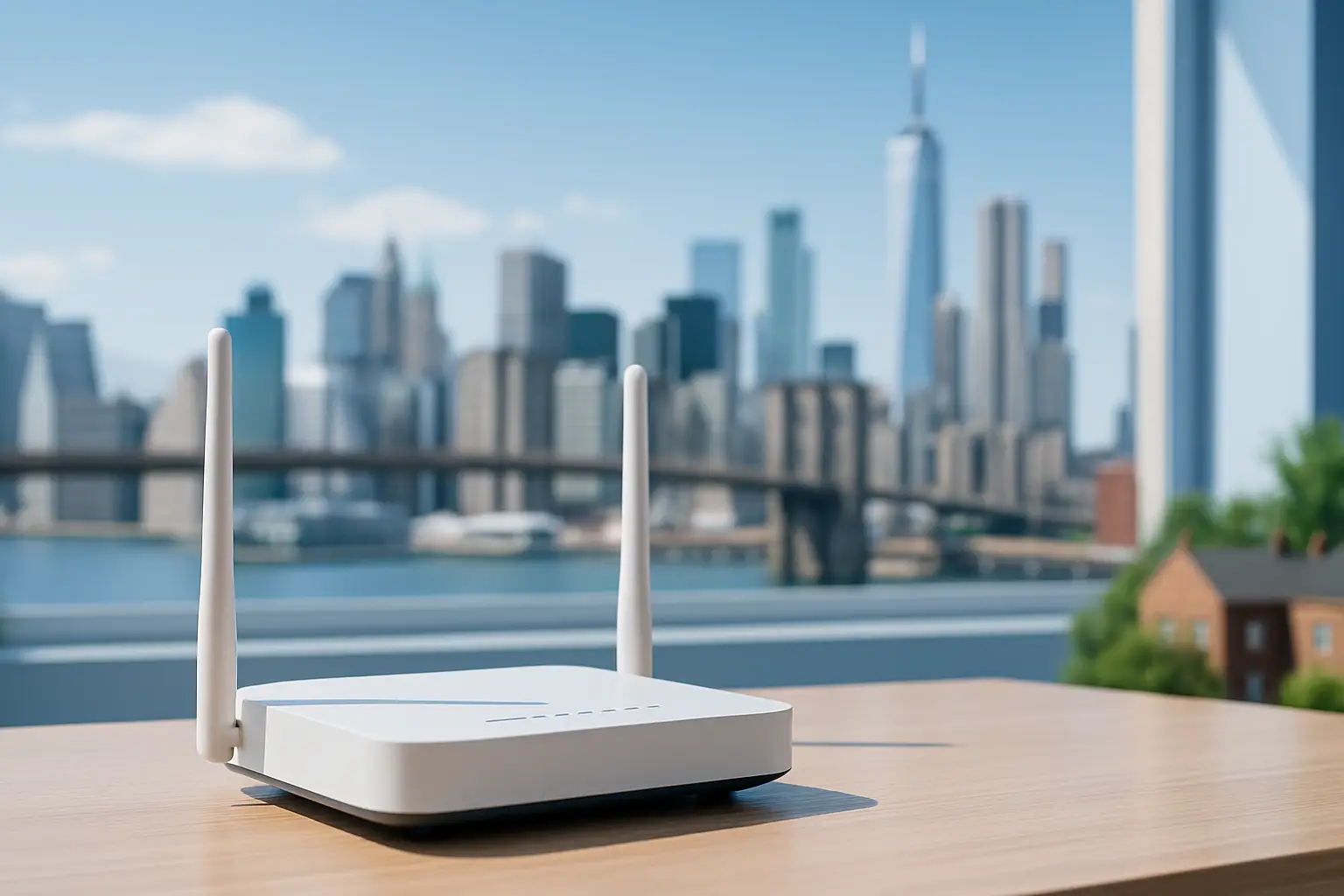 Explore which internet providers offer free modems and why this small perk can reduce your monthly costs. The article lists major ISPs that include a modem at no extra charge and explains how to evaluate service terms, speeds and hidden fees
We’ve all been there. You sign up for an internet plan that looks like a great deal—maybe $50 a month—but when the first bill arrives, it’s suddenly $65 or $70.
What happened? Often, the culprit is the dreaded equipment rental fee.
For years, Internet Service Providers (ISPs) have quietly added $10, $15, or even $20 a month just for the privilege of using their modem and router. Over a year, that’s up to $240 spent on a plastic box you don’t even own.
Fortunately, the industry is shifting. To simplify connectivity and compete for your business, several top providers have started including the equipment in the monthly price.
If you are looking to cut costs and simplify your setup, here are the top internet providers offering free modems (or gateways) for easy connectivity in 2025.
1. T-Mobile 5G Home Internet
Best For: Renters and simplicity seekers.
T-Mobile disrupted the market by getting rid of the complex cable setup entirely. Their 5G Home Internet service works differently: they ship you a “Gateway” (a combined modem and WiFi router) that picks up 5G signals from nearby towers and turns them into WiFi for your home.
The Deal:
Equipment Cost: $0.
Rental Fee: $0/mo.
Setup: Plug it into a wall outlet, and you’re done.
There are no wires to run and no technicians to wait for. Because the Gateway is included in the monthly price, the price you see is actually the price you pay.
2. AT&T Fiber
Best For: High-speed reliability.
If you have access to fiber optics, AT&T is a fantastic choice. A few years ago, AT&T eliminated equipment fees for their fiber plans. When you sign up, they provide an AT&T Wi-Fi Gateway, which handles both the incoming fiber connection and your home WiFi.
The Deal:
Equipment Cost: Included in the plan.
Hidden Fees: None for the standard gateway.
Note: If you have a very large home and need their “Wi-Fi Extenders” to reach dead zones, those usually come with an extra monthly charge. However, the main gateway is free.
3. Google Fiber
Best For: Transparency and speed.
Google Fiber has always been the “good guy” regarding billing transparency. Since their inception, they have hated hidden fees as much as you do. Their plans (1 Gig, 2 Gig, etc.) almost always include a high-quality Mesh WiFi router system.
The Deal:
Equipment Cost: Included.
The Perk: Google often provides superior hardware (like Mesh pucks) compared to the standard black boxes other ISPs give out, ensuring better coverage for larger homes.
4. Verizon (Fios & 5G Home)
Best For: Flexible options.
Verizon has followed suit with its competitors. Whether you are getting Fios (their fiber service) or 5G Home Internet, the rental fees are largely a thing of the past for new plans.
5G Home: Includes a receiver/gateway for free.
Fios: Most current plans include the router rental in the monthly price.
Verizon’s 5G gateway is particularly sleek, designed to sit on a window sill and blend into your home decor without looking like a piece of industrial tech.
5. Spectrum (The “Read the Fine Print” Option)
Best For: Widespread availability.
We included Spectrum here because they are available in so many neighborhoods, but there is a catch you need to know.
Spectrum offers a free modem to all customers. However, they usually charge $5–$7 a month for the WiFi router.
Wait, what’s the difference?
The Modem: Brings the internet into your house (Free with Spectrum).
The Router: Sends the WiFi signal to your phone and laptop (Cost extra).
Pro Tip: Since the modem is free, you can buy your own WiFi router (for a one-time cost of $50–$80) and plug it into Spectrum’s free modem. This creates a “free equipment” setup, but it requires a tiny bit of DIY effort.
Summary: Gateway vs. Modem vs. Router
If you are confused by the terminology, here is the cheat sheet for easy connectivity:
Modem: Connects your home to the ISP network.
Router: Creates the WiFi signal.
Gateway: A 2-in-1 device (Modem + Router combined).
Providers like T-Mobile and AT&T give you a Gateway (everything in one box) for free. This is the easiest connectivity option because you just plug in one device and go.
Final Thoughts
When shopping for internet on myneighborhoodwifi.com, look past the advertised speed. A “cheap” plan with a $15 equipment rental fee is often more expensive than a premium plan that includes the equipment for free.
By choosing a provider that offers free modems or gateways, you save money and avoid the hassle of returning expensive equipment if you ever move.
Ready to get connected? check your zip code today to see which of these provider-friendly ISPs are available in your neighborhood!

Easy Ways to Check Fiber Internet Availability in Your Area
If you’ve been wondering whether fiber internet availability has reached your neighborhood, you’re not alone. Fiber is one of the fastest, most reliable types of internet connections available today. But while many people would love to have it, coverage is still expanding gradually. The good news? There are several easy ways to find out if fiber internet is offered where you live—or if it might be coming soon.
Why Fiber Internet Matters
Before diving into the methods for checking coverage, let’s quickly look at why fiber is so appealing:
- High Speed: Fiber delivers speeds that can reach into the gigabit range, ideal for streaming, gaming, and working from home.
- Low Latency: Faster data response times compared to DSL or satellite internet.
- Reliable Connection: Less interference than copper-based networks, making uploads and downloads smoother.
- Better for Multi-Device Homes: Perfect for smart homes where multiple devices are constantly online.
Now, let’s explore how you can actually discover if it’s in your area.
1. Ask Your Neighbors
Sometimes the easiest way to find out if fiber is available is by asking those around you. Knock on a neighbor’s door or start with a quick group post in your community Facebook group or on Reddit. Neighbors can confirm if they already have fiber and what company installed it. This can save you time and give you a sense of whether installation is already happening street by street.
2. Look for Utility Boxes and Network Gear
If you frequently walk or drive in your area, take note of new utility boxes, thin orange or yellow cables, or crews working near power lines. Local reports often surface in neighborhood forums like Nextdoor. Fiber rollout is highly visible, so spotting new infrastructure could be a sign availability is on the horizon.
3. Use Online Coverage Tools
Fiber coverage tools are one of the most straightforward methods. While not every online database is perfect, these tools usually update when ISPs expand their networks. Popular discussion threads on Quora often include community-verified information about where fiber lines are being rolled out.
4. Check with Local Government or City Planning
Many local governments publish broadband expansion updates. City council and county websites sometimes list which providers are laying fiber lines. If you’re not sure where to look, a quick search of your town’s website or even attending a local council meeting could yield answers. Following local government on social media or browsing Facebook community pages can also help you stay updated.
5. Drive Around and Spotting Fiber Trucks
Fiber installation is not a quiet event—you’ll often see contractor trucks labeled with fiber optics or broadband installation parked in neighborhoods. If you’ve noticed trucks around, it’s worth asking those crews politely if fiber service will soon extend to your street.
6. Explore Crowdsourced Updates
Internet users love sharing updates on rollouts. On platforms like Yelp and Reddit, residents often discuss installation progress, personal experiences with new service, and estimated availability dates. Checking these threads and reviews may help you confirm details faster than waiting for mailing lists or advertisements.
7. Use WiFi Scanning Tools to Spot Networks
Although designed for troubleshooting, tools such as the ones outlined on NetSpot can sometimes show you nearby broadcast network names. If you spot unfamiliar new networks around your area labeled with the abbreviation “fiber” in the SSID, it may be an indicator that fiber installations have been completed nearby.
8. Ask Local Internet or Tech Groups
If your city or town has a tech club, digital meetup, or active forum, joining one can be helpful. New broadband expansions are often hot topics in regional groups. Searching for your town alongside “fiber internet” questions in places like Quora could connect you to others in your area monitoring fiber rollout closely.
What to Do If It’s Not Yet Available
If your search turns up empty and fiber isn’t yet in your area, you’re not out of options. Here’s how you can stay proactive:
- Sign Up for Updates: Many providers allow pre-registration, which lets them know where demand is greatest.
- Combine Voices: Rally your neighbors to request fiber internet together. Larger requests often gain attention more quickly.
- Watch for Hybrid Options: Some areas begin with fiber-to-the-curb or fiber-to-the-building before extending fully to residences.
- Stay Engaged Online: Local groups on Reddit and Facebook often share early news about expansions.
Fiber vs Other Internet Types
To better understand your connectivity choices while waiting for fiber, here’s a quick comparison:
| Technology | Typical Speed | Best Use |
|---|---|---|
| Fiber | Up to gigabit speeds | Heavy streaming, gaming, remote work, smart homes |
| DSL | Slower, varies by line | Light browsing, basic connectivity |
| Cable | Moderate to high | Streaming, video calls, general home usage |
| Fixed Wireless | Varies by signal strength | Rural and suburban homes lacking wired options |
| Satellite | Limited speeds, higher latency | Remote areas without other choices |
Final Thoughts
Fiber internet is expanding rapidly, but knowing whether it’s currently available near you doesn’t have to be complicated. From asking neighbors and browsing forums like Reddit, to watching for infrastructure projects and staying tuned to local government updates, you have plenty of options for tracking availability.
Even if it’s not in your area right now, staying active and vocal about wanting it can speed up the process. Use tools, connect with your community, and keep checking regularly—you’ll be first in line once it’s ready for installation in your neighborhood.

Low-Cost Internet Plans in Brownstown, MI
If you’re searching for low-cost internet plans in Brownstown, MI, you’re not alone. More households are focusing on budget-friendly connections that deliver the speed and reliability their families need without the big bill shock each month. In this post, we’ll break down the most affordable providers in the area, the types of internet available, and how to choose the best plan for your household.
Why Affordable Internet Matters
Today, reliable internet isn’t just for entertainment—it’s an essential utility. From kids attending online classes, families streaming, or professionals working remotely, having a dependable internet connection can save time and stress. But with rising bills everywhere, many in Brownstown, MI are looking for ways to stay connected while keeping costs low.
Internet Providers in Brownstown, MI
Residents of Brownstown, MI have a mixture of wired and wireless internet options to choose from. According to recent data, the area has several notable providers offering service at different price points (source). Here are some of the primary choices for households looking at low-cost internet:
Xfinity
– Offers cable internet with fast speeds and flexible bundles.
– Introductory plans are typically among the lowest priced in the region.
– Good choice for households that want reliable speeds for streaming and gaming.
AT&T
– Provides DSL in certain areas and Fiber in select neighborhoods.
– Fiber is the faster, more reliable option but may not be available everywhere in Brownstown, MI.
– Some affordable plans exist for basic browsing and light use.
WOW!
– Known for competitive local pricing and flexible offers.
– Great for households that don’t need extremely high speeds.
– Bundle options can lower the effective monthly cost.
Satellite and 5G Options
– Satellite providers like Viasat or HughesNet can cover areas where cable or fiber isn’t available.
– Speeds aren’t as high as fiber, but they provide coverage in nearly every corner of Brownstown, MI.
– Verizon 5G Home Internet is rolling out in pockets with affordable monthly rates and no long-term contracts.
Comparing Providers by Cost and Speed
To help you visualize the differences, here’s a comparison of typical affordable plans found in Brownstown, MI. The exact pricing may vary depending on promotions or qualifying programs, but this chart gives a rough outline of what to expect:
| Provider | Connection Type | Starting Price (approx.) | Speed Range |
|---|---|---|---|
| Xfinity | Cable | $30–$40/mo | 75 Mbps – 200 Mbps |
| AT&T | DSL / Fiber | $35–$45/mo | Up to 300 Mbps (fiber areas) |
| WOW! | Cable | $30–$40/mo | 100 Mbps – 200 Mbps |
| Verizon 5G | Wireless | $50/mo | Up to 50 Mbps+ |
| Viasat | Satellite | $65+ | Up to 100 Mbps |
Low-Income Internet Programs in Brownstown, MI
Another way residents can save on internet service is through low-income internet options. Many providers participate in national assistance programs, and applying could lower your monthly bill significantly.
Affordable Connectivity Program (ACP)
– Provides discounts on monthly internet service for qualifying households.
– Participating providers in Brownstown, MI include major companies such as AT&T and Xfinity.
– Some households may qualify for a plan that is free after ACP discounts.
Provider Discounts
– Some providers, like Xfinity and AT&T, offer their own low-cost internet options for households with children in school or those receiving certain government benefits.
– Typically these plans come with speeds around 50–100 Mbps, which is enough for schoolwork, streaming, and general browsing.
Tips to Save on Your Internet Plan
Even beyond low advertised prices, households in Brownstown, MI can cut their internet costs by keeping a few strategies in mind:
– Check if you qualify for ACP or provider-specific discounts.
– Bundle internet with TV or phone services if you already need those utilities.
– Use your own compatible modem and router instead of renting equipment every month.
– Regularly ask your provider about new promotions, as many don’t automatically apply to existing customers.
– Consider 5G or fixed-wireless providers if you only need moderate speeds.
What Speed Do You Really Need?
Before signing up for a plan, think about your actual household use. Bigger isn’t always better if you’re not using all that bandwidth. Here’s a quick breakdown to help estimate:
| Usage Type | Suggested Speed |
|---|---|
| Basic browsing and emails | 10–25 Mbps |
| HD streaming for one or two users | 50–100 Mbps |
| 4K streaming, gaming, multiple devices | 200 Mbps+ |
| Working from home with heavy uploads | 300 Mbps+ (fiber preferred) |
Final Thoughts on Low-Cost Internet in Brownstown, MI
Finding the right low-cost internet plan in Brownstown, MI means balancing speed, reliability, and budget. Households with light needs can save by choosing cable or DSL starter packages, while families with heavier streaming or work-from-home requirements might lean towards fiber or mid-tier cable plans. For those in areas without wired service, satellite and 5G options keep everyone connected.
No matter which provider you choose, take time to evaluate promotions, see if you qualify for government discounts, and ensure you’re not overpaying for more speed than your household actually needs.