Posts tagged: internet equipment rental fees
Last Updated: October 26, 2026
Quick Summary
Internet installation fees are driven by whether a technician must enter your home, whether new wiring or a drop is needed, whether you take provider equipment, and whether an activation or shipping fee applies. A simple activation on existing wiring is the cheapest path, while a full professional install with new cabling is the most expensive.
- Professional installs carry the highest one-time charge; activation-only visits cost far less or nothing.
- Equipment rental fees recur monthly and never stop, so buying your own modem can save money over time.
- Self-install saves money when your address already has an active line and compatible wiring.
- Fiber installs tend to cost more than cable because they often require a new optical drop and an ONT device.
- Ask for the all-in first-month total in writing and confirm whether any install waiver is permanent or promo-only.
Table of Contents
- Why Internet Installation Fees and Equipment Costs Vary So Much
- What Drives Your Internet Installation Cost
- Internet Equipment Rental Fees and What They Cover
- Self-Install Internet: When It Saves You Money
- Fiber Internet Installation Cost vs. Cable and 5G
- Hidden Fees That Show Up After You Sign Up
- How to Reduce or Waive Installation and Equipment Charges
- Check Availability and Get a Clear Quote Before You Order
- Frequently Asked Questions
Why Internet Installation Fees and Equipment Costs Vary So Much
Two neighbors on the same street can order the same speed tier and pay wildly different amounts to get connected. That gap is the first thing to understand about internet installation fees and equipment costs: they are not a single price, they are a stack of charges set by the provider, the technology at your address, and the promotion you happen to qualify for. At MyNeighborhoodWiFi, we see this constantly when customers compare quotes and discover the advertised number rarely matches the final bill. Below, we break down every line item, show where the real money hides, and explain how to shrink the total before you sign.
The reason variance is so wide comes down to three forces. First, the connection type: fiber often requires a physical drop and a technician, while cable may already be wired to the unit. Second, the promotion cycle: providers frequently waive installation to win new customers, then reinstate the charge once the promo ends. Third, the equipment model: renting a gateway monthly versus buying your own changes the math over a year or two. None of these are secrets, but they’re rarely laid out together, which is why so many people feel blindsided at checkout.
What Drives Your Internet Installation Cost
Your internet installation cost is driven by four things: whether a technician must enter your home, whether new wiring or a drop is needed, whether you take provider equipment, and whether an activation or shipping fee applies. A simple activation on existing wiring is the cheapest path. A full professional install with new cabling is the most expensive. Everything else sits between those two poles.
A common mistake is assuming the number on the provider’s website is final. It usually excludes taxes, one-time activation, and equipment charges that appear on the first bill. When you request a quote, ask for the all-in first-month total, not the promotional monthly rate.
Professional Install vs. Activation-Only Visits
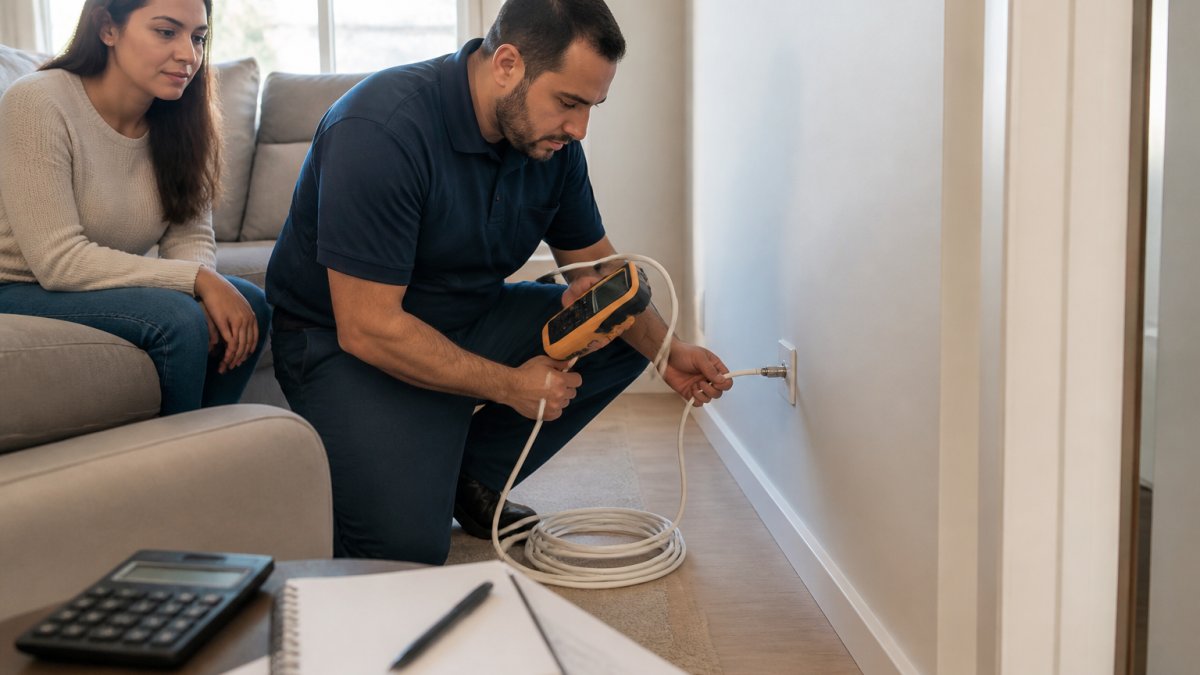
A professional install sends a technician to run cable, mount equipment, and confirm the signal, which typically carries the highest one-time charge. An activation-only visit, sometimes called a self-install with a remote activation, skips the truck roll and costs far less or nothing. If your home already has an active line and a working jack, you can usually avoid the professional visit entirely. If it’s a new build or the wiring is dead, the technician is unavoidable. For a closer look at what each visit type costs for a home or office, see our breakdown of internet installation costs for your setup.
Internet Equipment Rental Fees and What They Cover
Internet equipment rental fees are the recurring monthly charge for using the provider’s modem, router, or combined gateway. That fee covers the hardware, its warranty, and often technical support if the unit fails. Renting is convenient: if the gateway dies, the provider swaps it. The tradeoff is that the monthly charge never stops, so over a couple of years you can pay for the hardware several times over.
Buying your own modem or router can eliminate the rental line, but only if your provider supports customer-owned equipment and your plan doesn’t require a specific gateway. Fiber and 5G home internet often lock you to provider hardware, so the rental is baked in. Cable plans are usually the most flexible. Check compatibility before you buy anything, because an incompatible modem is money wasted.
| Charge Type | What It Covers | Typically Waivable? |
|---|---|---|
| Professional install | Technician visit, wiring, setup | Often, with promo |
| Activation fee | Account setup on existing line | Sometimes |
| Equipment rental | Monthly modem/router use | No, but buy-your-own may apply |
| Shipping and handling | Mailing self-install kit | Rarely |
Self-Install Internet: When It Saves You Money
Self-install internet saves money when your address already has an active line and compatible wiring, because you skip the technician charge and often the activation fee. The provider ships a kit, you connect the gateway, and service activates remotely. For apartments and recently serviced homes, this is the default cheapest route. For new construction, damaged wiring, or fiber that needs a drop, self-install usually isn’t offered.
Watch out: self-install kits sometimes arrive with a return label for the old equipment, and missing that deadline triggers a non-return fee. Photograph the kit contents and note the return date the moment it arrives.
Fiber Internet Installation Cost vs. Cable and 5G
Fiber internet installation cost tends to run higher than cable because fiber often requires a new optical drop and an ONT device at the premises, which means a technician and sometimes light construction. Cable installs are usually simpler since the coaxial line often already exists. 5G home internet is the outlier: it’s frequently self-install with no wiring at all, because the gateway simply plugs in and connects to the wireless network.
The higher fiber install charge is often offset by waivers during promotional periods and by the fact that fiber plans frequently include the equipment. When you compare, look at the total first-year cost, not just the install line. A waived fiber install with included equipment can beat a “free” cable install that adds a monthly rental.
Hidden Fees That Show Up After You Sign Up
The install quote is only half the story. The charges that sting most arrive on bill two or three: equipment rental you thought was included, a promotional rate that expired early, overage or speed-tier fees, and one-time activation that wasn’t disclosed. Paperless billing discounts can also vanish if you switch to paper. These aren’t illegal, but they’re easy to miss. For a practical walkthrough of spotting them before they hit, read our guide on avoiding hidden fees in your internet plan.
A useful habit: ask the agent to read the full first three months of charges aloud, line by line. If they hesitate on a line item, that’s the one to question.
How to Reduce or Waive Installation and Equipment Charges
You can often cut internet installation fees to zero with a few moves. Ask directly whether an installation waiver is running for your address, since providers frequently offer one to new customers. Bundle services only if the bundle genuinely lowers your total after the promo ends. Choose self-install where eligible. And compare plans that advertise free installation outright, which we round up in our list of internet plans with free installation.
- Ask for the all-in first-month total in writing
- Confirm whether the install waiver is permanent or promo-only
- Check if buying your own modem is supported
- Time your order around back-to-school or moving-season promotions
- Ask about government assistance programs if you qualify
Check Availability and Get a Clear Quote Before You Order
The single best defense against surprise charges is a clear, address-level quote before you commit. Availability and pricing change block by block, so a generic website estimate can be wrong for your unit. Start by confirming what’s actually serviceable where you live using our fiber availability check, then request a written quote that itemizes install, activation, equipment, and taxes.
That’s where MyNeighborhoodWiFi helps. As an authorized sales agency, we compare providers by ZIP code, check availability at your exact address, and lay out the real first-month cost so the install fee and equipment charge are known upfront. We can flag same-day installation where it’s offered, point you to no-contract options on select plans, and connect you with promotional pricing and free-installation offers when your address qualifies. No guesswork, no surprise line items.
For a deeper look at the specific charges to expect, our guide on breaking down internet installation costs walks through each fee. Then check availability, get your quote, and order with confidence.
Frequently Asked Questions
How much does it cost to have internet installed?
The total depends on the provider, the technology, and whether a technician has to come out. A professional install usually costs more than a self-install kit, and fiber often runs higher than cable because a technician may need to run new lines. Some providers waive the fee on promotional plans or when you agree to a contract term. Always ask for the full installed price, including activation and equipment, before you order.
Do internet providers charge an installation fee?
Many do, but it is not universal. Some providers bundle free installation into new-customer promotions, while others charge a one-time fee for a technician visit. Self-install options often carry a smaller or no fee. The fee can also be waived if you ask during sign-up or if you qualify for a low-income assistance program. Confirm the exact charge in writing before you commit.
Is it cheaper to rent or buy internet equipment?
Renting spreads the cost into a monthly fee, which adds up over a year or two. Buying a modem and router upfront can cost less over time and gives you control over the hardware, but you are responsible for replacements and compatibility. If you plan to stay with a provider long term, buying often wins. If you move often or want zero maintenance, renting is simpler. Compare the monthly rental fee against the purchase price over your expected time in the home.
Can I install internet service myself to avoid a fee?
Self-install internet works when the home already has an active line and the provider ships you a compatible modem or router. You connect the equipment, follow the activation steps, and you are online. It is not an option for new construction, fiber installs that need line work, or addresses without existing wiring. Ask the provider whether your address qualifies for self-install before you assume you can skip the technician fee.
What fees should I look for when comparing internet plans?
Look beyond the advertised monthly rate. Check the installation fee, equipment rental fee, activation charge, and any early termination fee. Also ask about taxes, regulatory cost recovery charges, and whether the promotional price expires after a set number of months. A plan with a slightly higher monthly rate but no install fee and no equipment rental can cost less overall. Request a full first-year cost estimate in writing.
Does fiber internet cost more to install than cable internet?
Fiber internet installation cost is often higher than cable because it may require running new fiber lines to the home and a technician visit with specialized equipment. Cable installs frequently reuse existing coaxial wiring, which can lower the fee. Some fiber providers waive installation as part of a promotion, so the sticker price is not the final word. Compare the installed cost, not just the monthly plan rate.
Can an internet provider waive installation or equipment fees?
Providers often waive installation fees during promotions, when you bundle services, or when you agree to a contract. Equipment rental fees are less flexible, but some providers include the router in the plan price. Ask directly whether the fee can be waived and get the answer in writing. A sales agent who checks availability at your exact address can tell you which promotions apply where you live.
Getting connected shouldn’t mean decoding a bill full of mystery charges. MyNeighborhoodWiFi compares providers at your address, confirms which offers include free installation or waived equipment fees, and helps you order a plan with transparent pricing and no surprise fees. Get started with MyNeighborhoodWiFi and see the full first-month cost before you commit.
